

01
Point
Choose your surface
Aim Lumi Max at the wall, object, or surface you want to use. A dollhouse, door, shelf piece, or décor object gives the projection something real to wrap around.
3D projection mapping for everyday objects and surfaces.
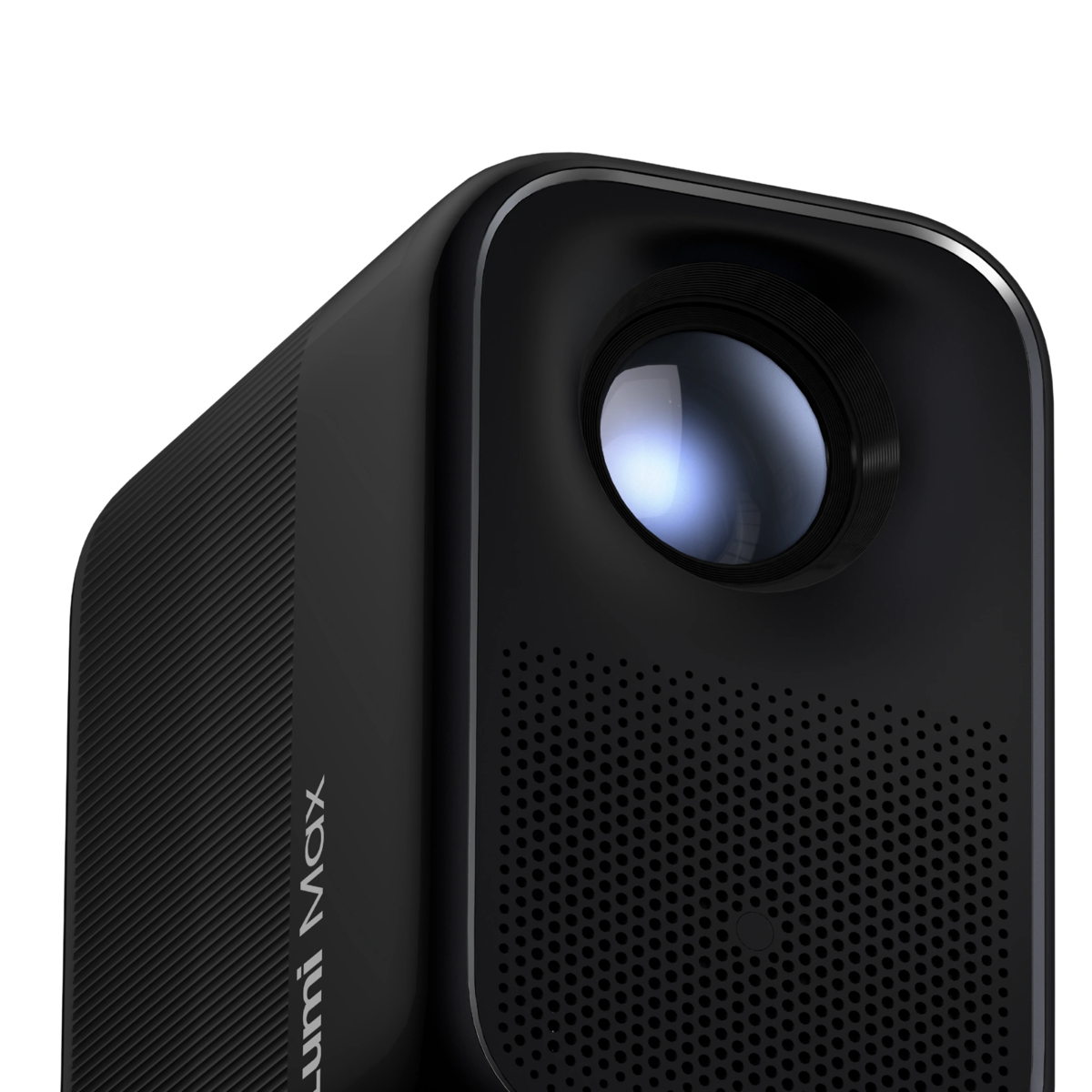
Lumi Max is the projector. illumiFun is the creative experience included in the Starter Kit. Together, they give you big-screen projection plus a new way to transform dimensional objects and surfaces.
Pick an object, then drag across it. The left side is the surface illumiFun reads. The right side is the projection made for that surface.
Choose a surface, describe what you want, then project it onto the object in front of you. The flow stays simple and approachable.
Lumi Max handles the big-screen experience. illumiFun adds the creative layer, letting you transform ceilings, entryways, fireplaces, bedroom walls, the fridge, and even mobile exterior builds.


Real objects and real rooms, transformed with illumiFun on Lumi Max.


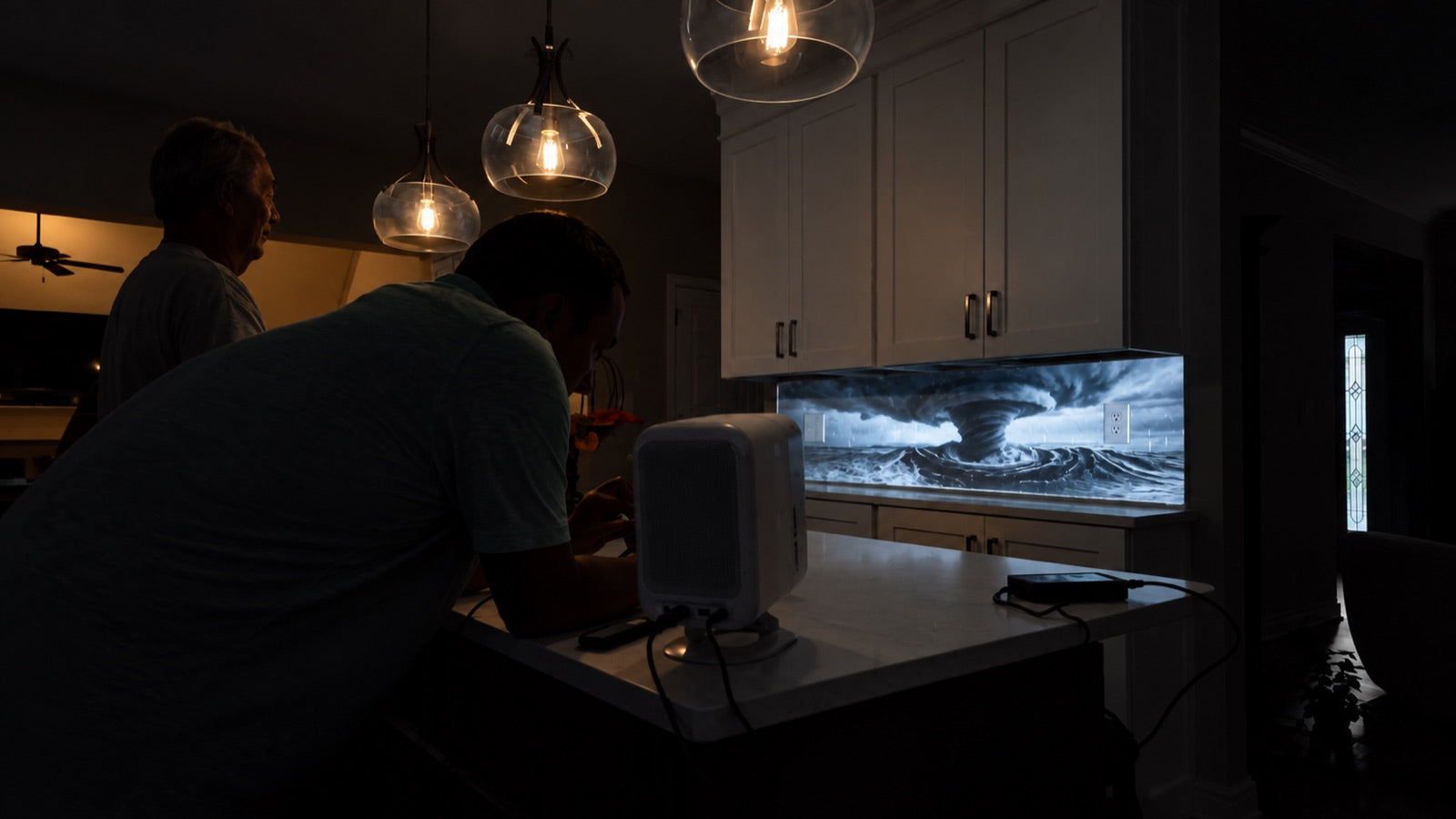
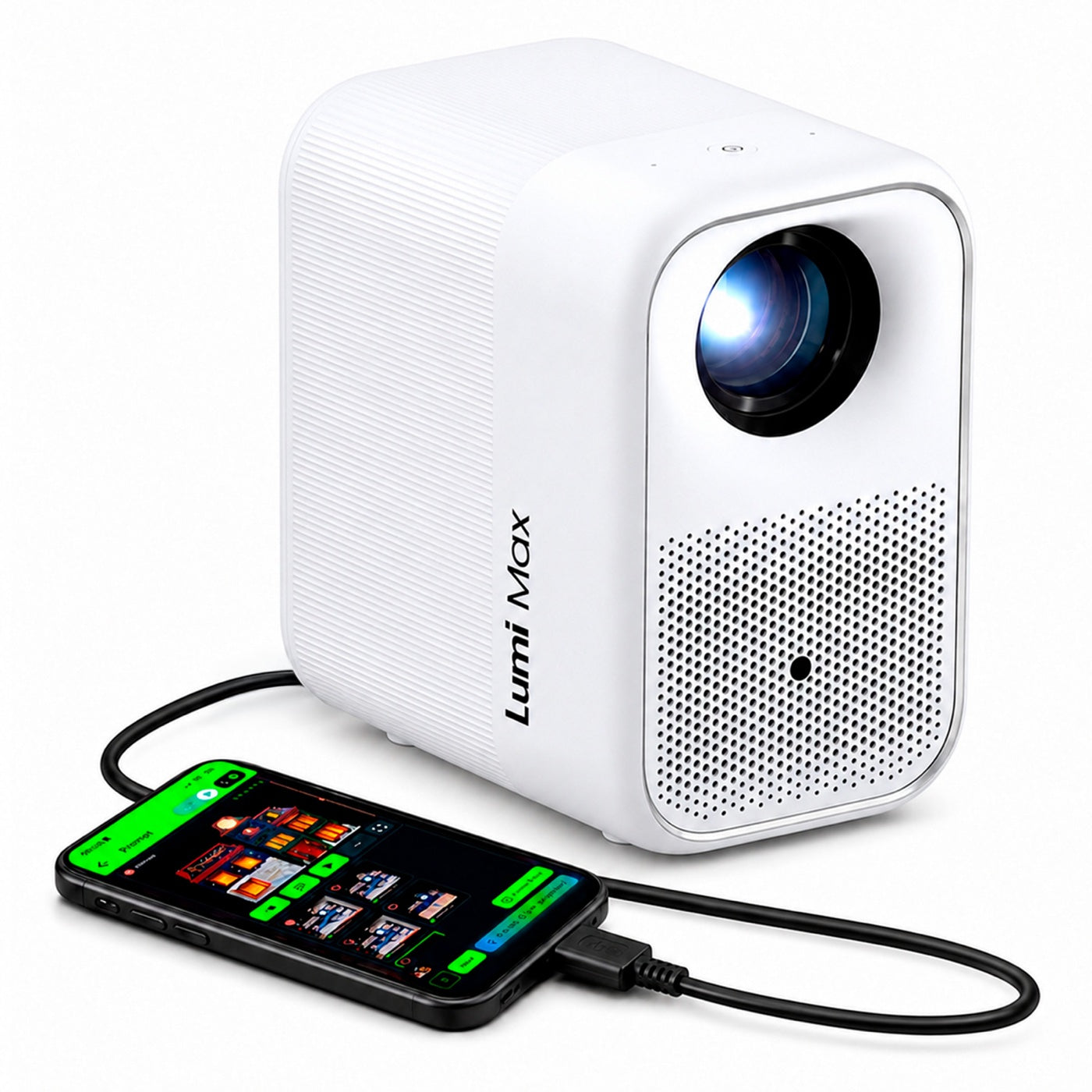
Bright Full HD projection, room-filling sound, and a portable body give your ideas the hardware they deserve.


Purchase Lumi Max and get $150 in value with the illumiFun Starter Kit.
illumiFun is an APP that turns your projector into an AI projection mapping system. illumiFun lets you point your projector at your house, car, garage, or any surface, type a prompt in the app, and transform your surface into anything you can imagine. It handles all the hard parts of projection mapping automatically.
Everyone from kids to retired folks who want to have fun and experience projection mapping. Whether you want to transform your space for Halloween or Christmas, run a year round business, build a haunted house, light up a food truck, decorate a party boat, or anything in between, illumiFun can do it.
No. If you can take a photo and type a prompt, you can use illumiFun.
illumiFun Starter Kit includes a Lumi Max Projector & Stand, a 1 Month Subscription, 5,750 illumiTokens, an AtmosFX package, and a USB-C to HDMI Adapter
illumiFun is a starter kit that lets you use your phone as the processor for projection mapping. Your phone plugs into the projector with the included USB-C to HDMI cable and stays connected the whole time you are projecting. It is the easiest way to jump in and have fun, but your phone has to stay with the projector.
illumibot is the flagship setup. It is a separate device (the bot) that plugs into your projector and runs everything on its own. You control it wirelessly from your phone over Wi-Fi, so your phone is free to use for anything else. illumibot also has its own media server, so your show can keep running even when your phone is not nearby or when you are not home.
If you just want to play around and have fun, go with illumiFun. If you want a hands off setup that runs on its own, illumibot is your answer.
Contact: (601) 255-7815 or sales@illumibot.ai for more details.
Yes! You may use your AtmosFX assets to add to your shows.
No, the magic of illumiFun is that no one’s decorations will look exactly the same. It leverages today’s generative AI models to enable our customer to build their own content for their shows using plain language descriptions of what they'd like to see. Additionally, the app includes a Community tab where customers share their prompts for others to leverage to generate similar decorations on their surfaces.
Orders typically ship within 1-2 business days, and arrive within 5-7 business days depending on your location. You'll receive tracking by email once your order leaves our warehouse. You may select expedited shipping at checkout as needed. If you need an order by a specific date, contact hello@grablumi.com for assistance before ordering.
Please contact us within 30-days of purchase at hello@grablumi.com and provide your return order details (name of person ordering, order # if possible and the reason for the return). You may also visit Returns & Refunds for more information on our policy.
Please email hello@grablumi.com or call +1-801-900-LUMI(5864)
Yes, illumiFun is designed for outdoor projection onto homes and surfaces, however, your projector is an electronic device requiring protection from the elements. We recommend a weather-protected enclosure for the projector and following the setup instructions for best brightness and focus. Many customers build their own enclosures and ready-made enclosures can be found in the illumibot.ai store.
Any projector with HDMI input will work.
In your kit, you will find a flyer with detailed instructions to get you started. As you proceed thru your setup, you are prompted to watch short instruction videos along the way which are key to your success. **Be sure your phone & projector volumes are turned up to hear the audio instructions as well.
It is helpful to setup your Lumi Max for the first time prior to your illumiFun initial setup so the projector is ready for you. Follow the instructions included with the projector and utilize the Lumi Max FAQs as needed. Attach the stand and HDMI cord to the projector as well before your illumiFun setup so you don't have to joggle the scene while getting started.
IllumiFun streams video from your phone over USB-C to HDMI, but not every phone supports HDMI video output. Here's a quick way to check:
If nothing displays, your phone doesn't support HDMI output — but you're not out of luck. You'll just need an Illumibot (/) instead, which projects without relying on your phone.
You can see the full list of HDMI-compatible phones here https://illumibot.ai/compatible-phones
illumiFun was built to bring projection mapping to everyone, right on your phone, without complex setup or learning curves. The app is optimized for phones (iPhone and Android) first. iPad works well too since it uses a similar system as iPhone, though a few areas may not be fully optimized. The app is also available on Mac through the App Store. Windows is not supported.
You will need one phone and subscription per projector.
Yes. You can upload MP4 videos, images, and MP3 audio into the timeline. Max file size is 1GB.
There's no hard limit, but most users stick to 2 to 5 minute shows. 10 to 20 minute shows work well too. There is no forced limitation, though very long shows may overload your phone.
Be specific, descriptive, and imaginative. "Spooky house" gives vague results. "Haunted Victorian house with green fog rolling out of the windows and lightning in the background" gives way better results. Add colors, textures, lighting, and details.
Yes. The illumibot Pass is $15 per month per projector. With the subscription, you can create unlimited projections and keep everything you make.
illumiTokens are a virtual currency you can use to buy things inside the illumibot app and on illumibot.ai. You use them to create animations and videos, upscale your projections, and even buy AtmosFX assets. Still images are free with your subscription, tokens cover everything else.
Please visit illumibot.ai for up to date illumiToken pricing. You may purchase tokens in sets of 1,000. Bulk discounts are available.
Please email hello@grablumi.com or call +1-801-900-LUMI(5864)
Yes! illumibot features live shows every Thursday night on YouTube, Facebook, and TikTok. We demo features, take prompts from viewers, and hang out with the community.
More information here: https://www.youtube.com/@illumibotAI/streams
For more information on illumibot, please visit illumibot.ai.
Send an email to: installers@illumibot.ai or give illumibot a call: 601-255-7815