

I have three of these for my daughter who can't walk or talk so we put one in Motorhome and one of our vacation home. So they have been awesome for us.
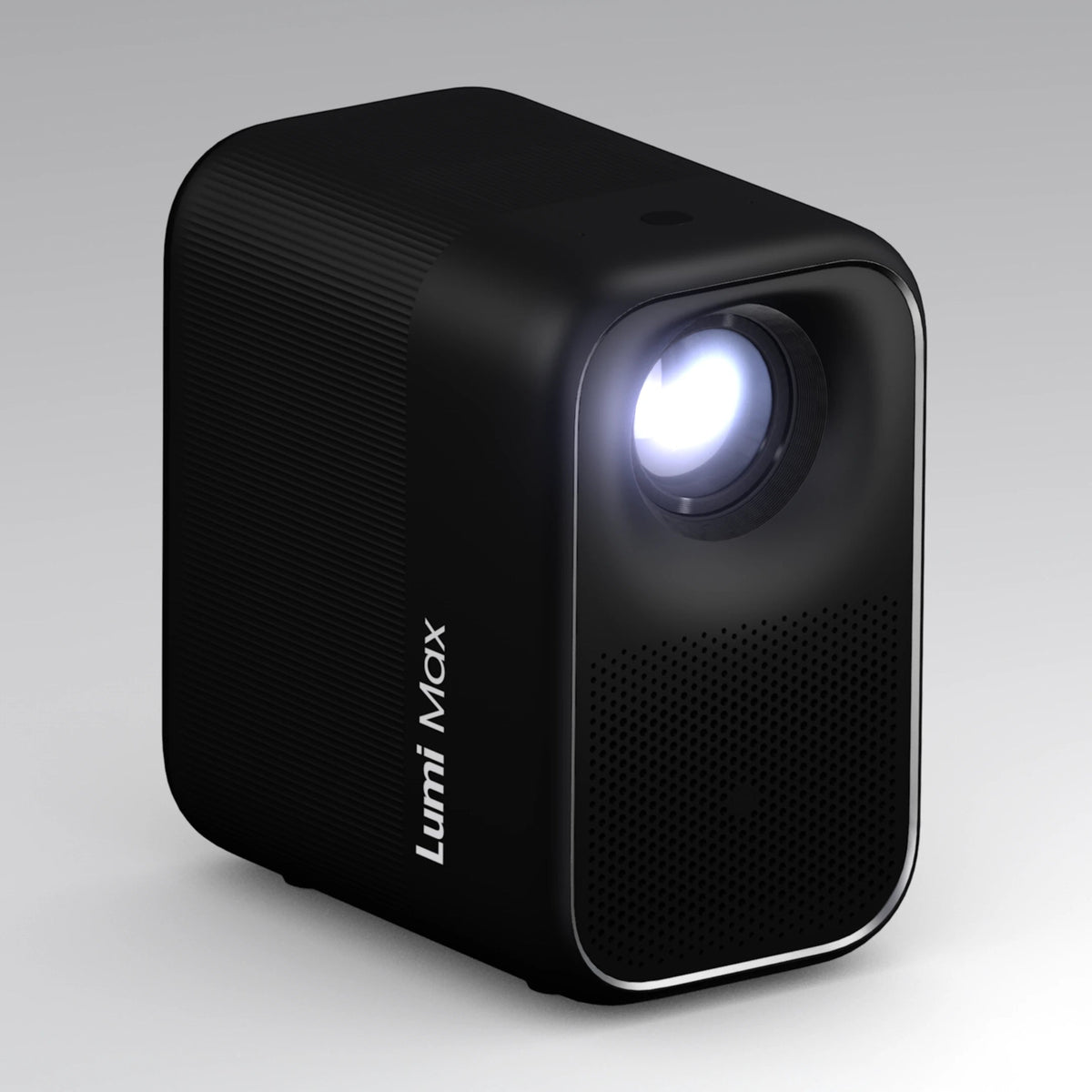
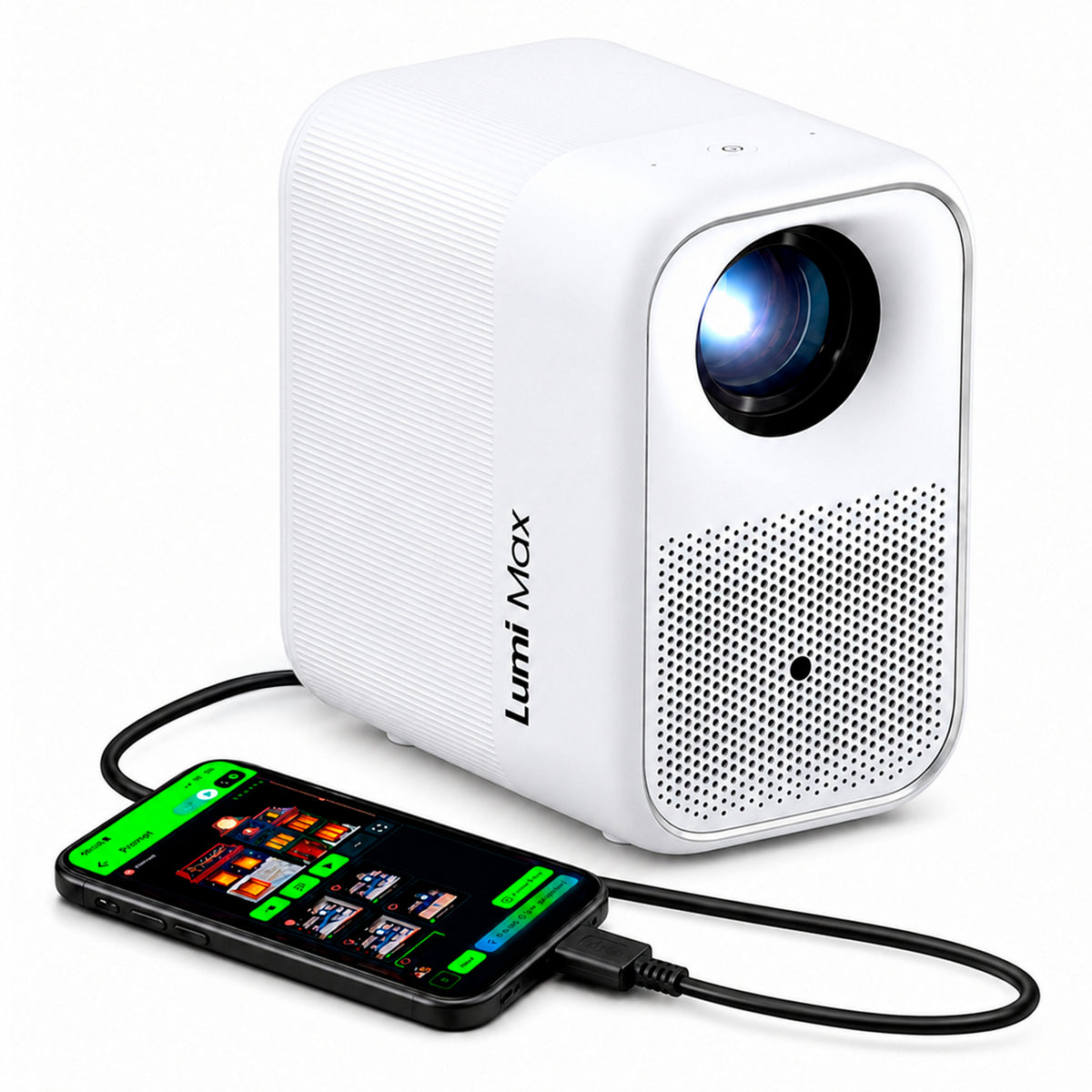
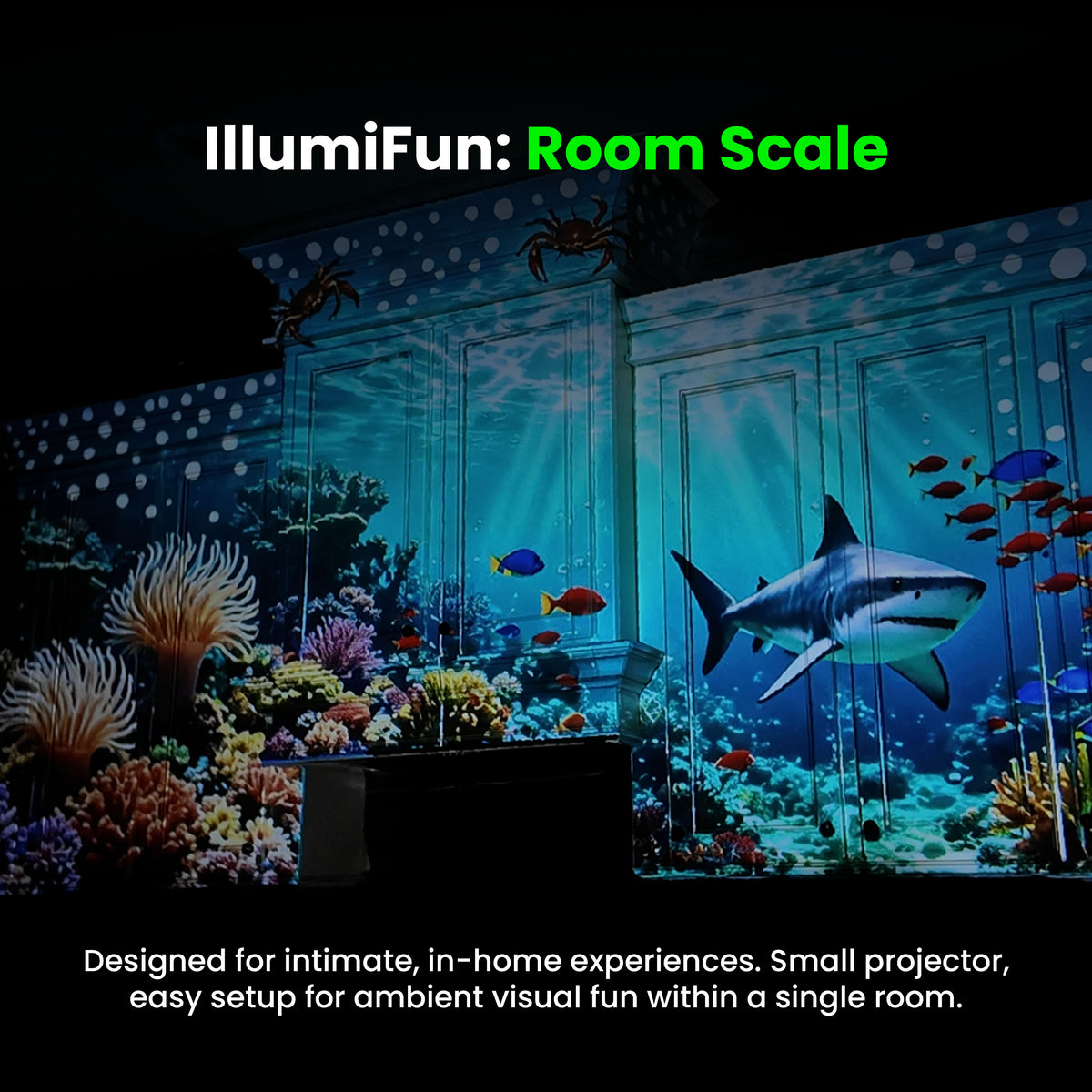
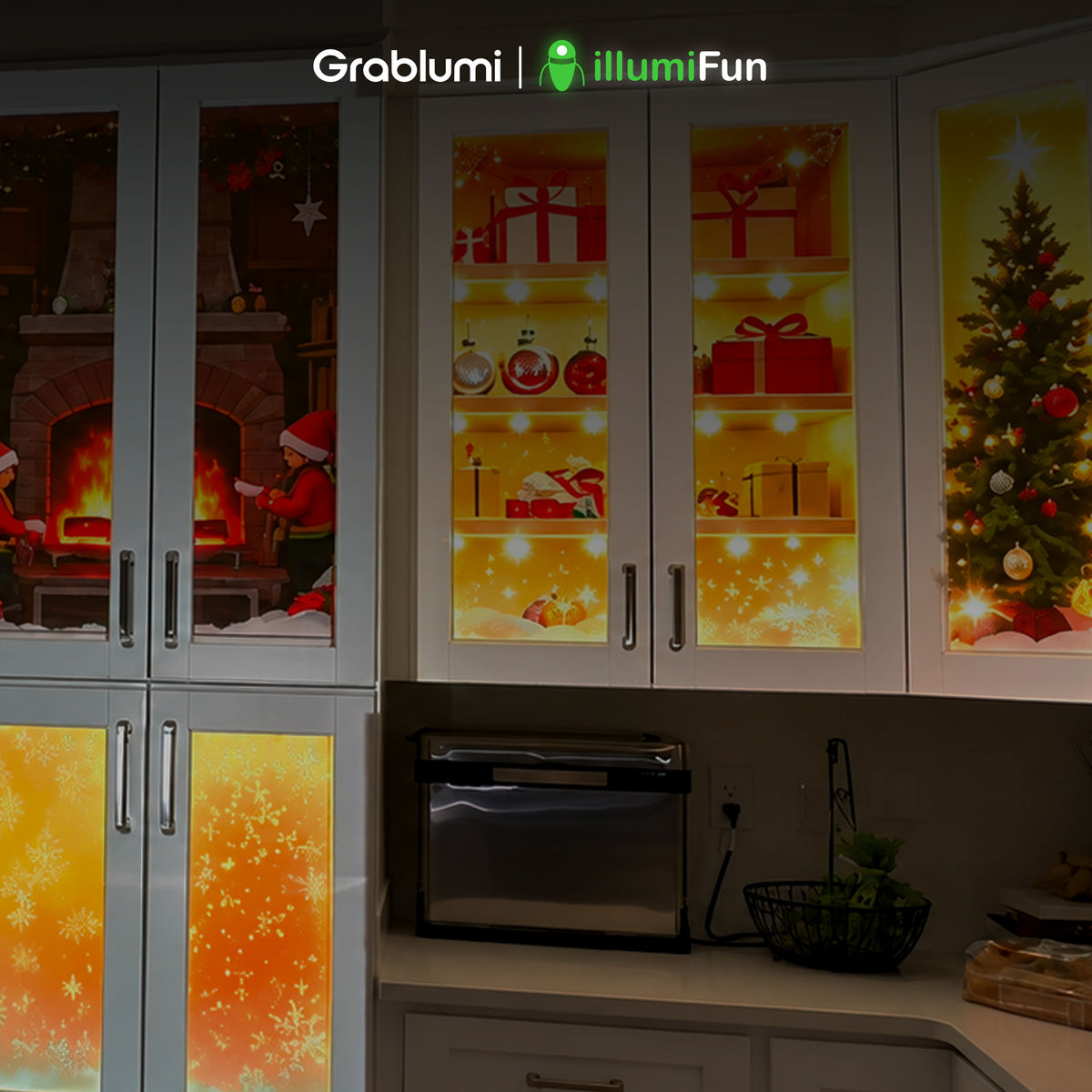
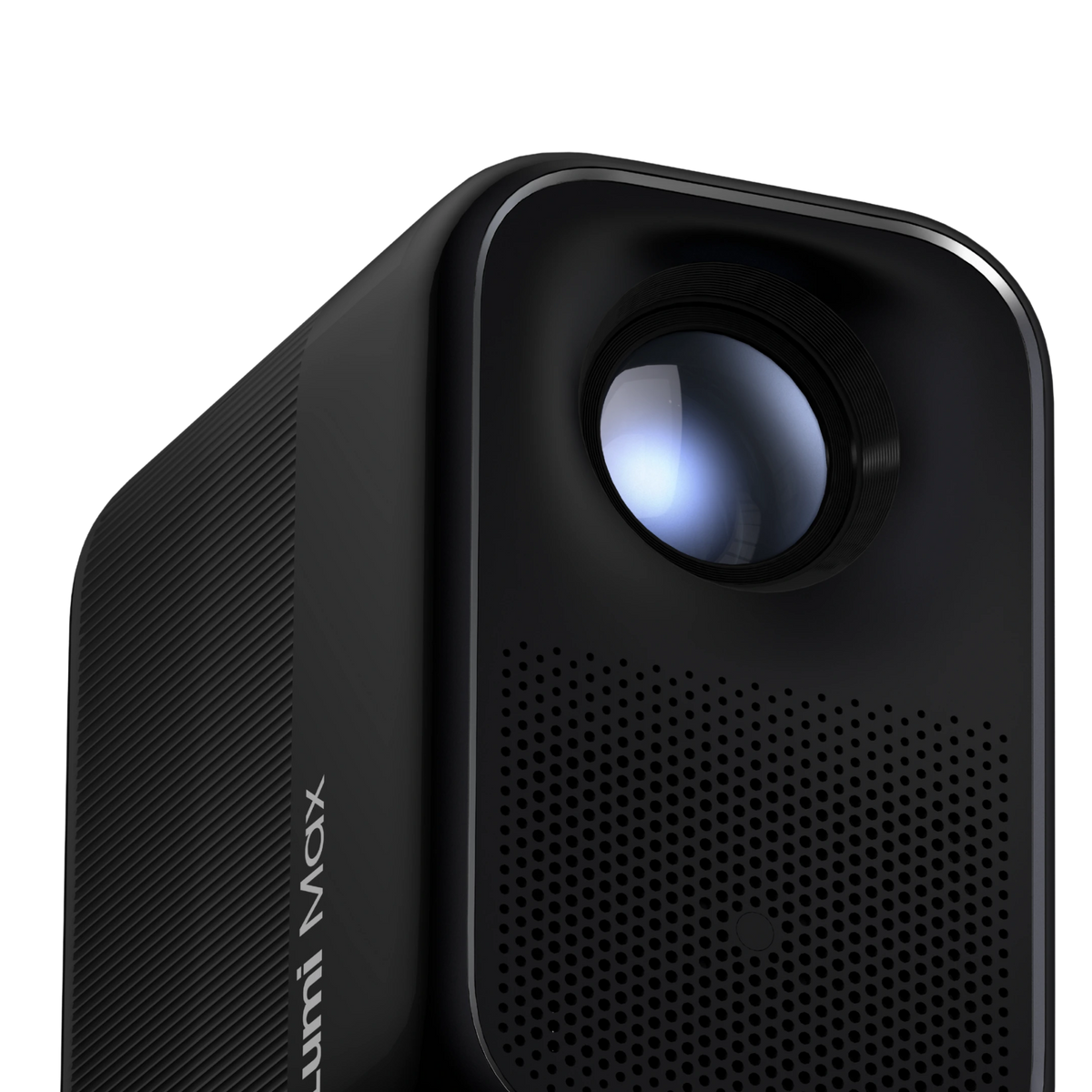

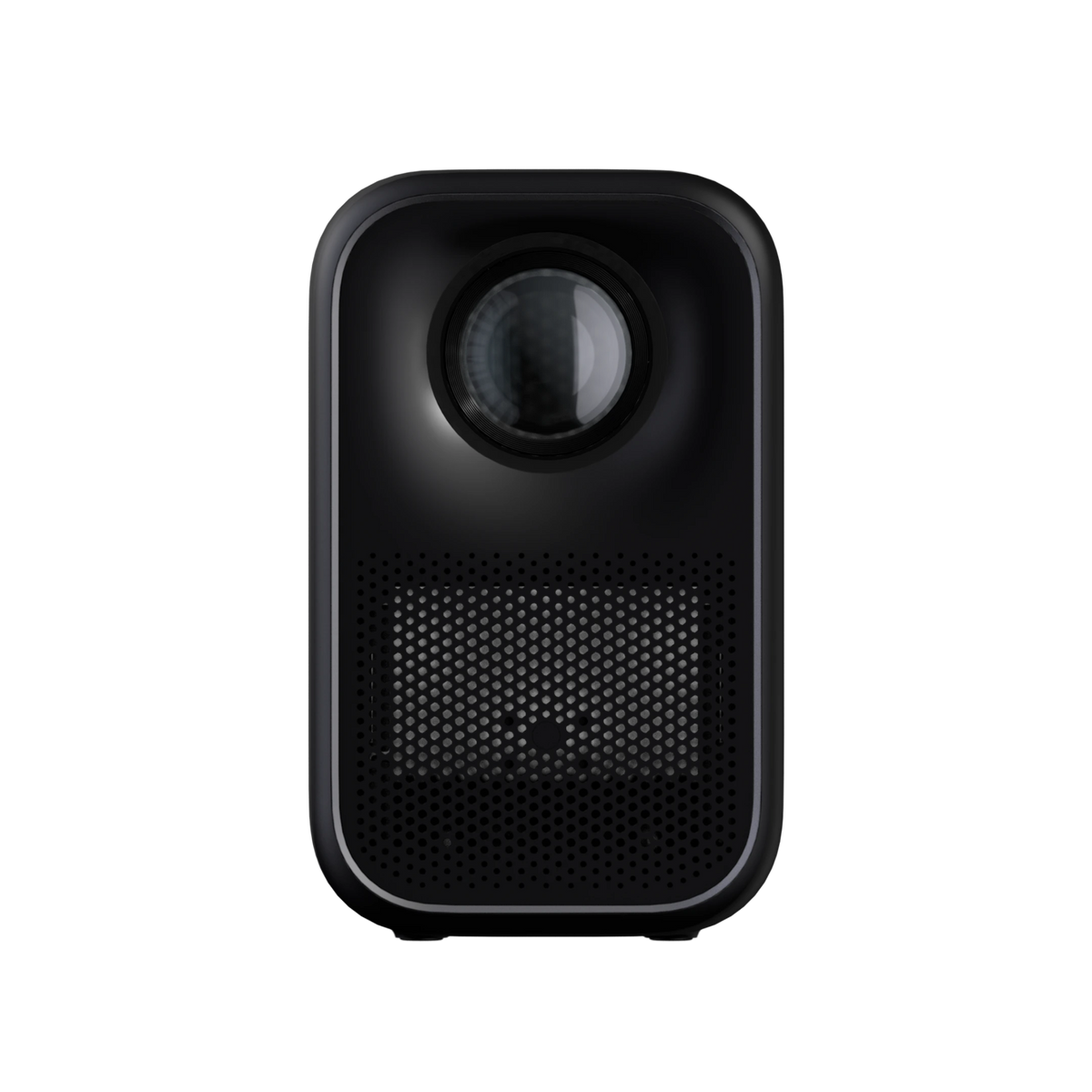
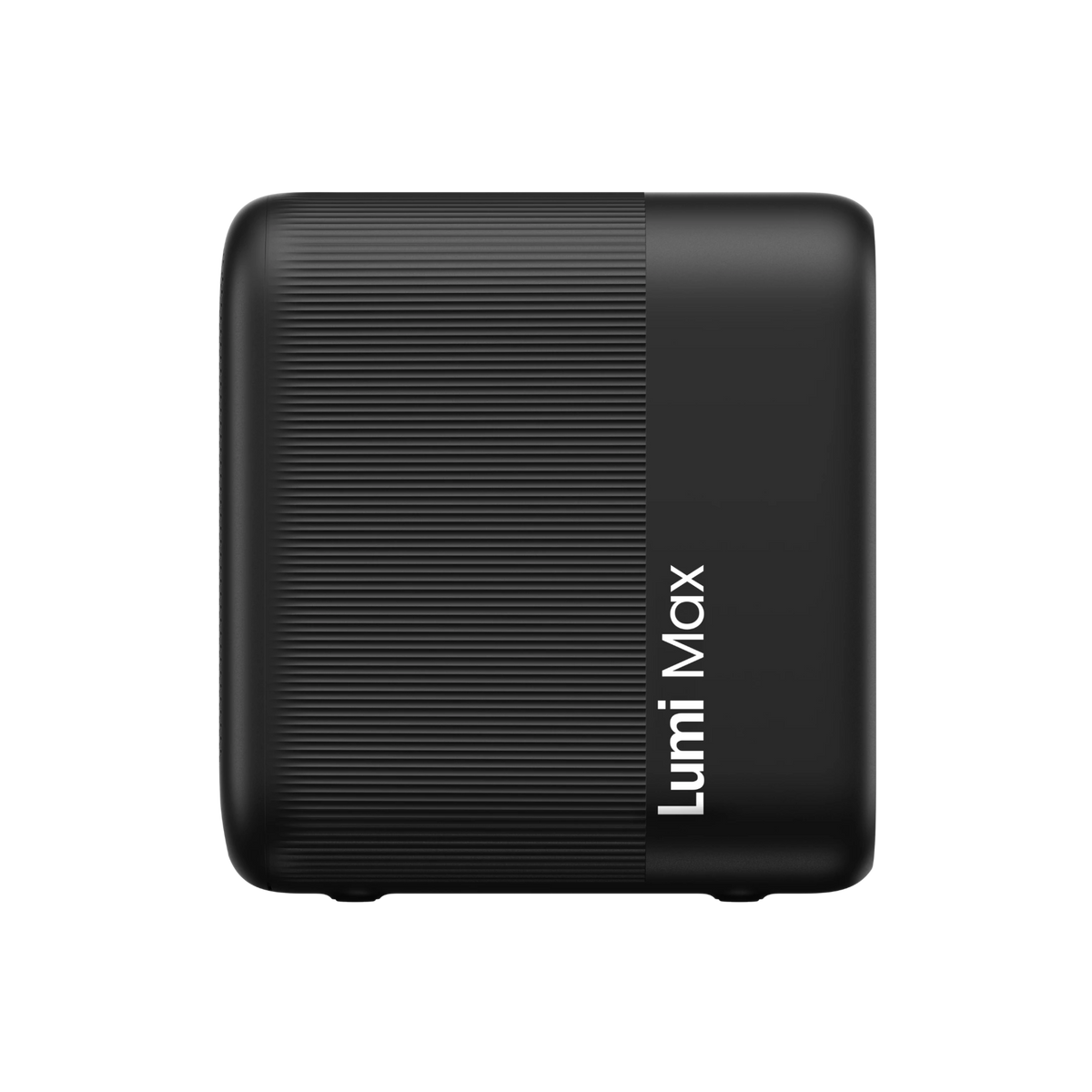
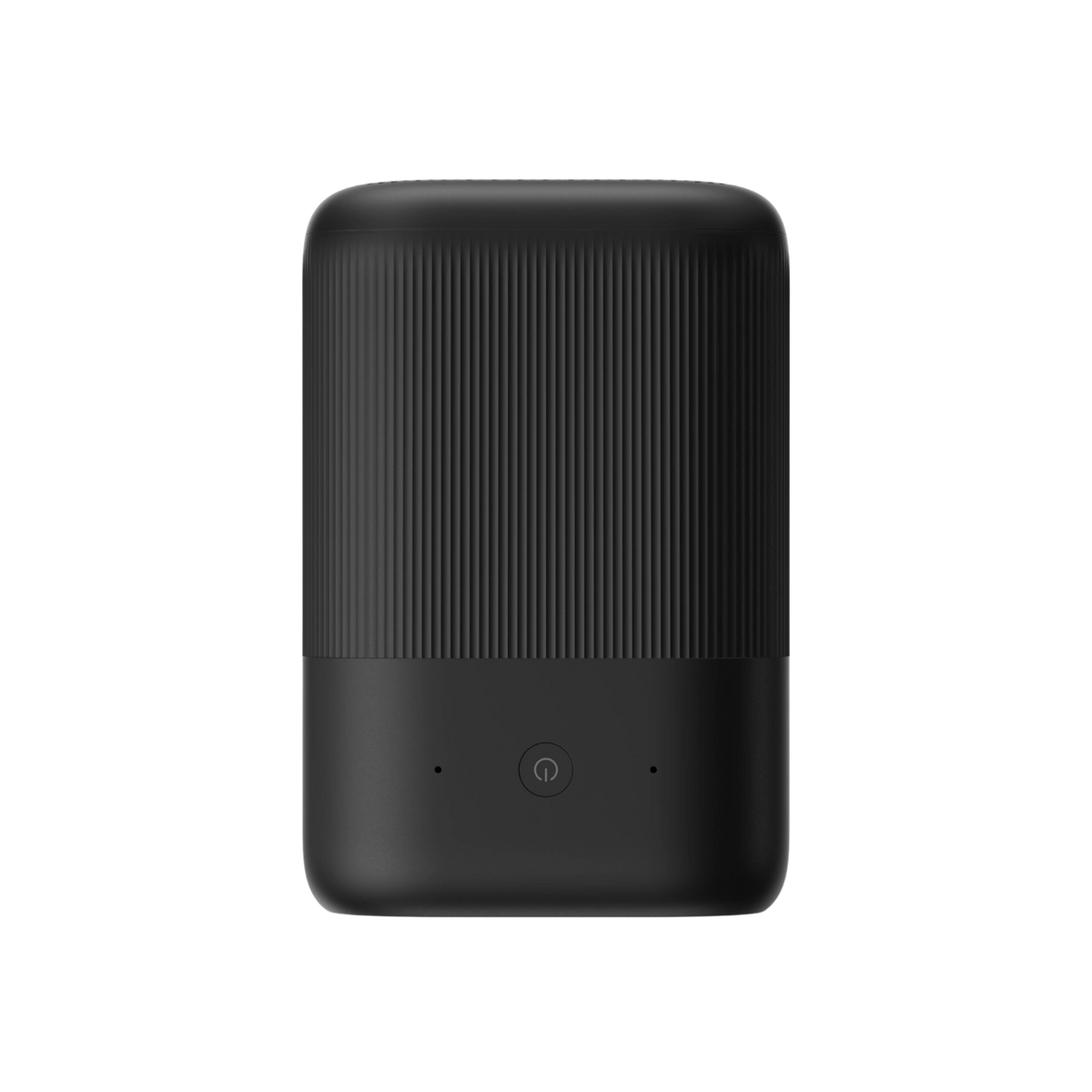
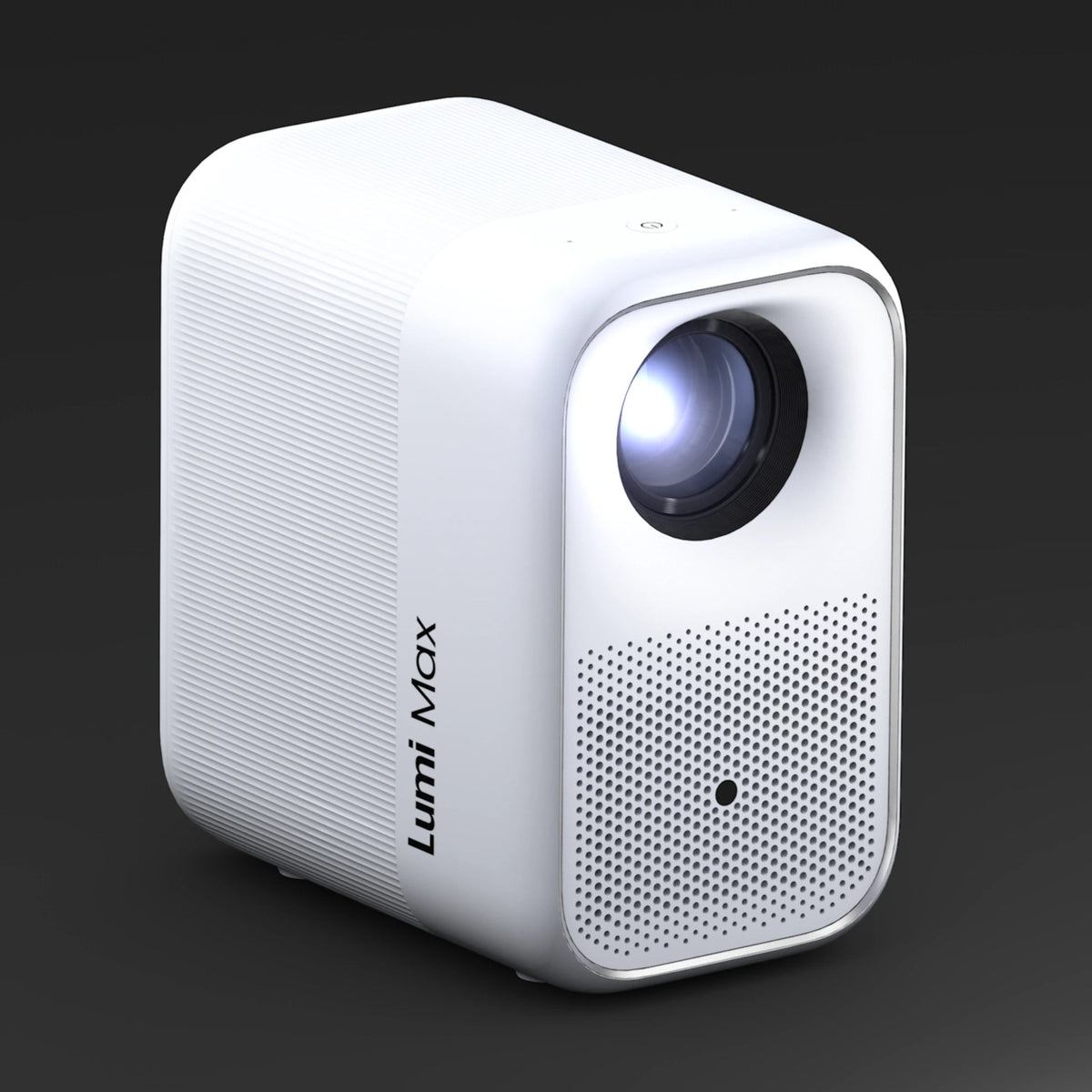
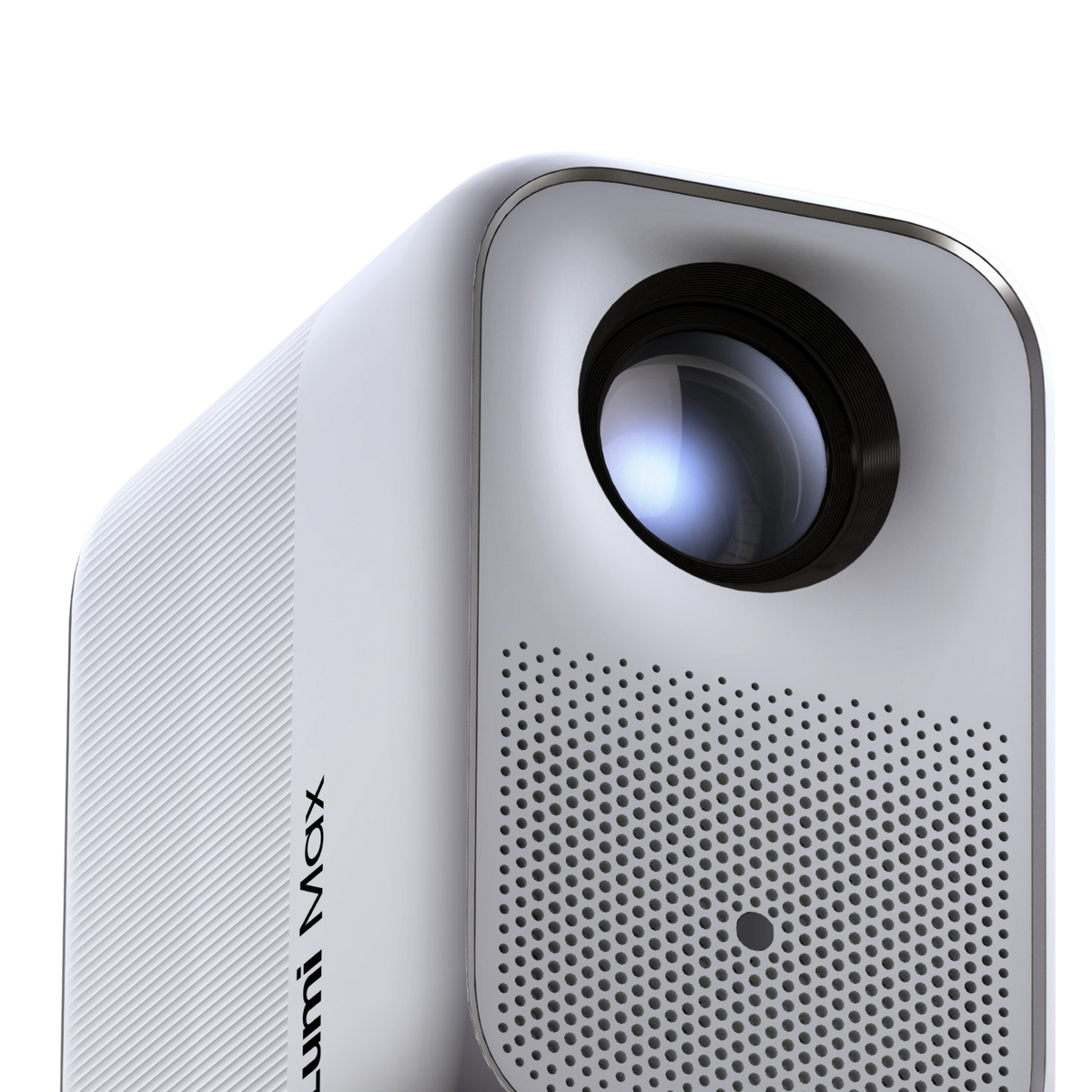
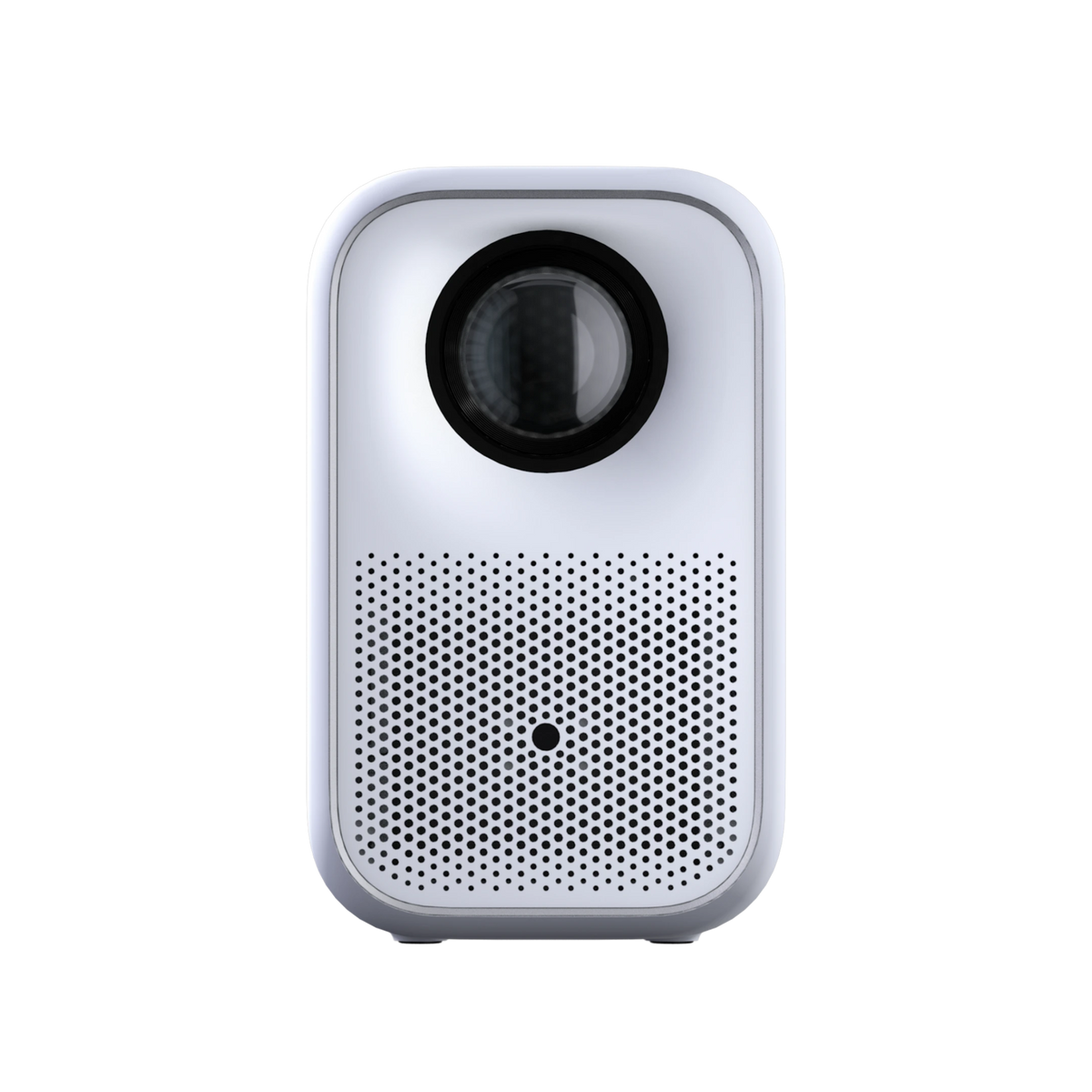
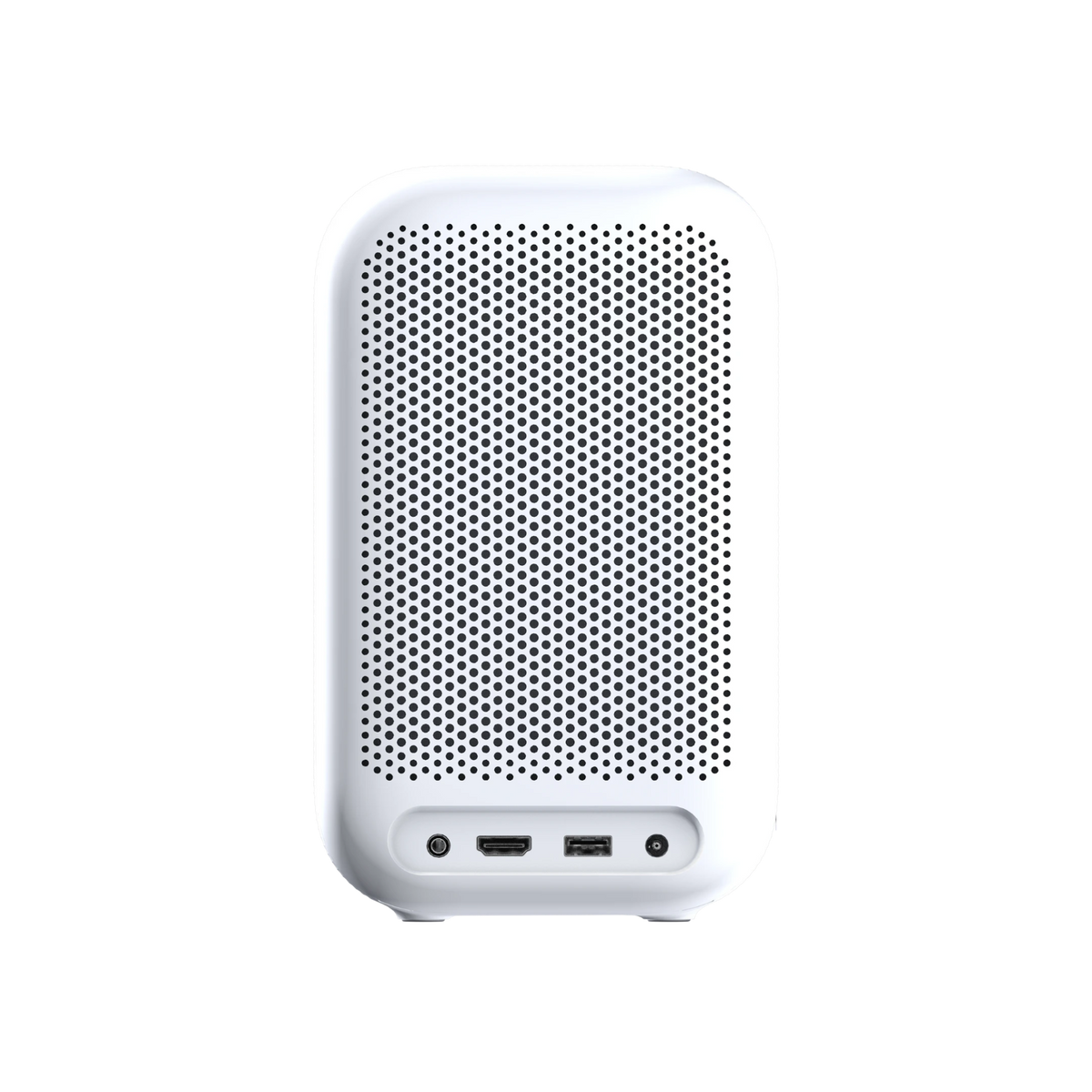
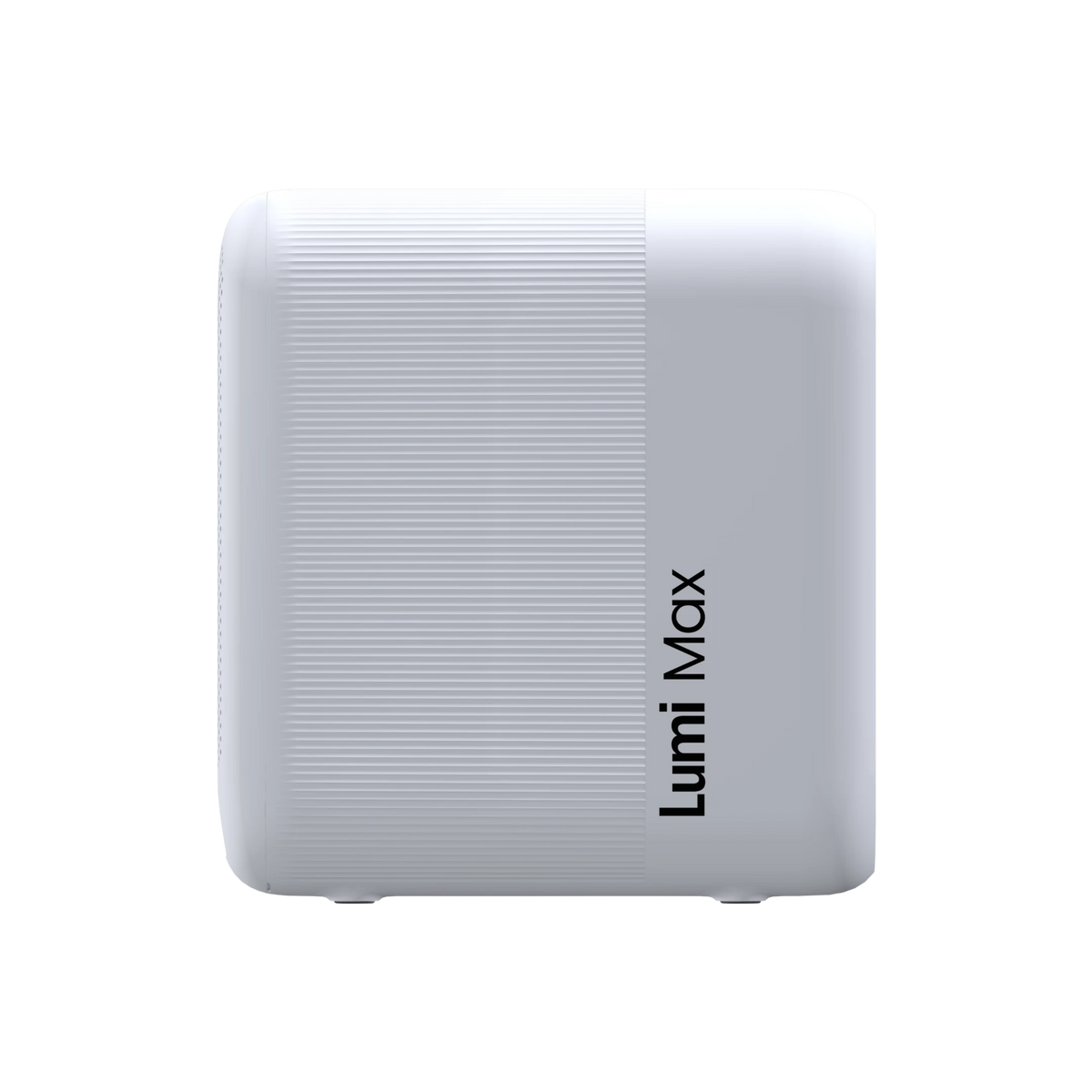
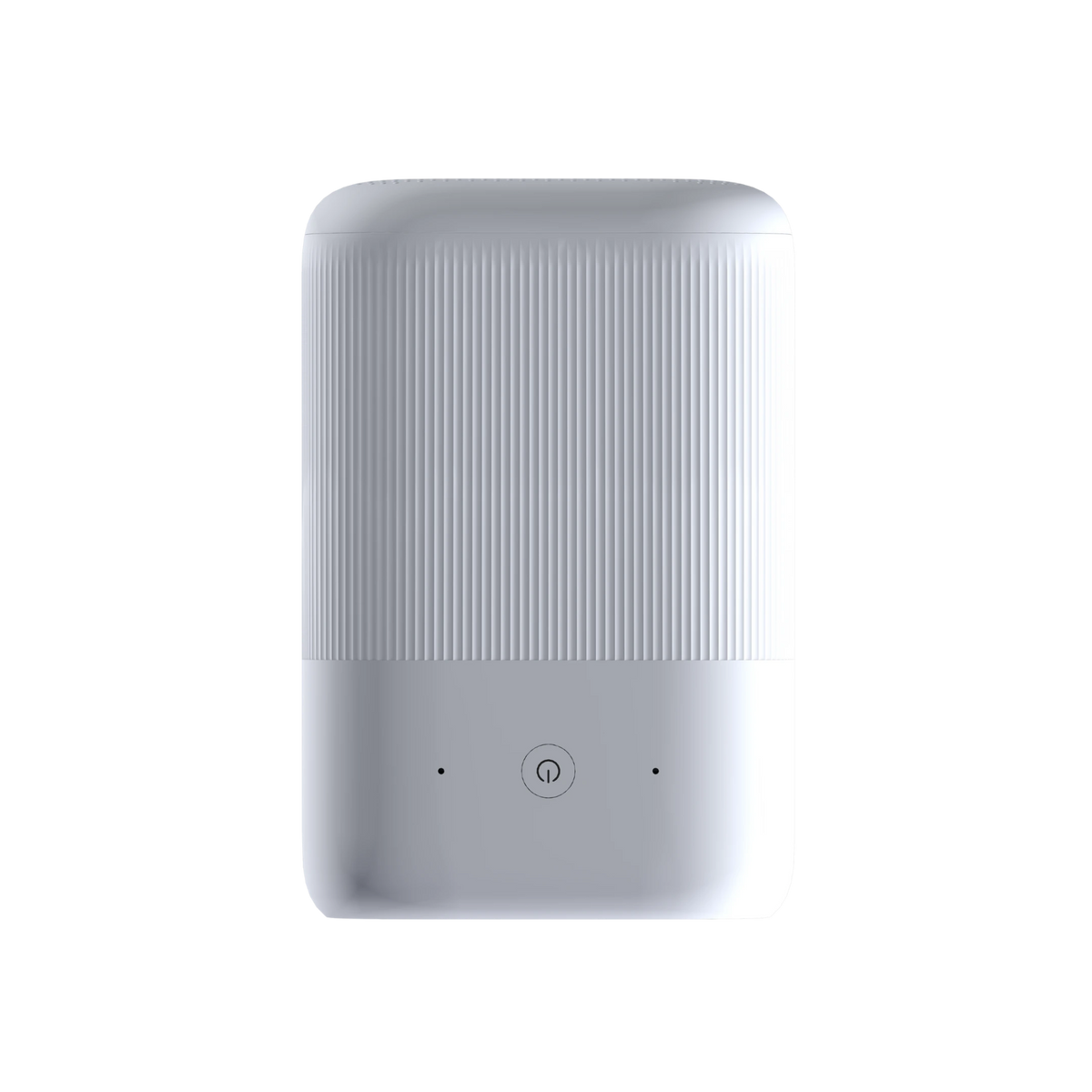
Lumi Max Projector | IllumiFun
$399.00
- Android TV™ OS
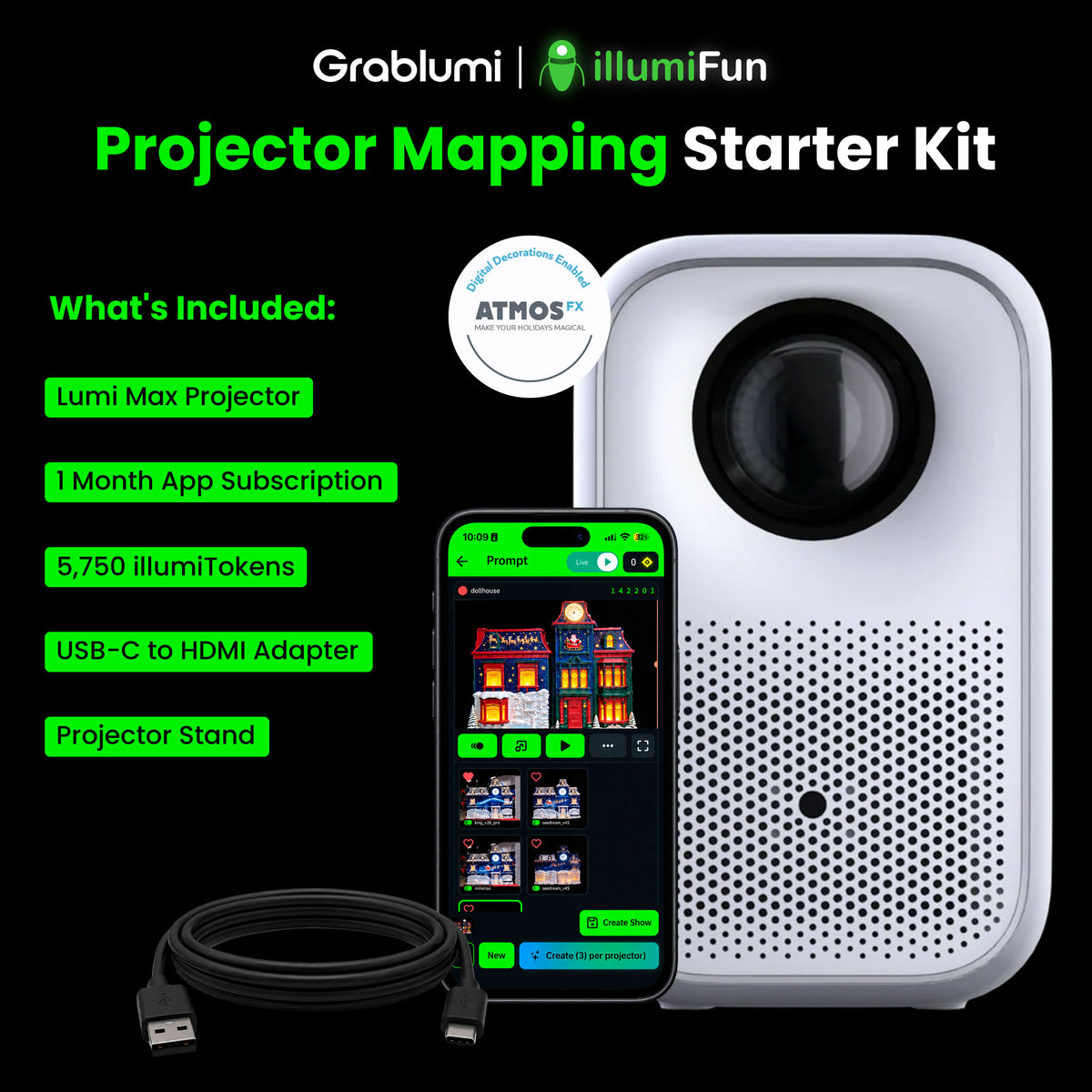
- IllumiFun Starter Kit Included ($150 Value)
- 1 Month illumiFun Subscription
- 5,750 illumiTokens
- AtmosFX Content Package
- 1080P Full HD & 4K Compatibility
- 360 ISO Lumens Brightness
- 2000:1 Contrast Ratio
- 40-120 Inches Screen
- 2x5 Watt Speakers
- Dynamic Dolby Audio
- Auto Keystone Correction & Focus
- 2GB RAM & 16GB Storage
- Dual 5GHz (2.4G) Wi-Fi
- Bluetooth 5.0
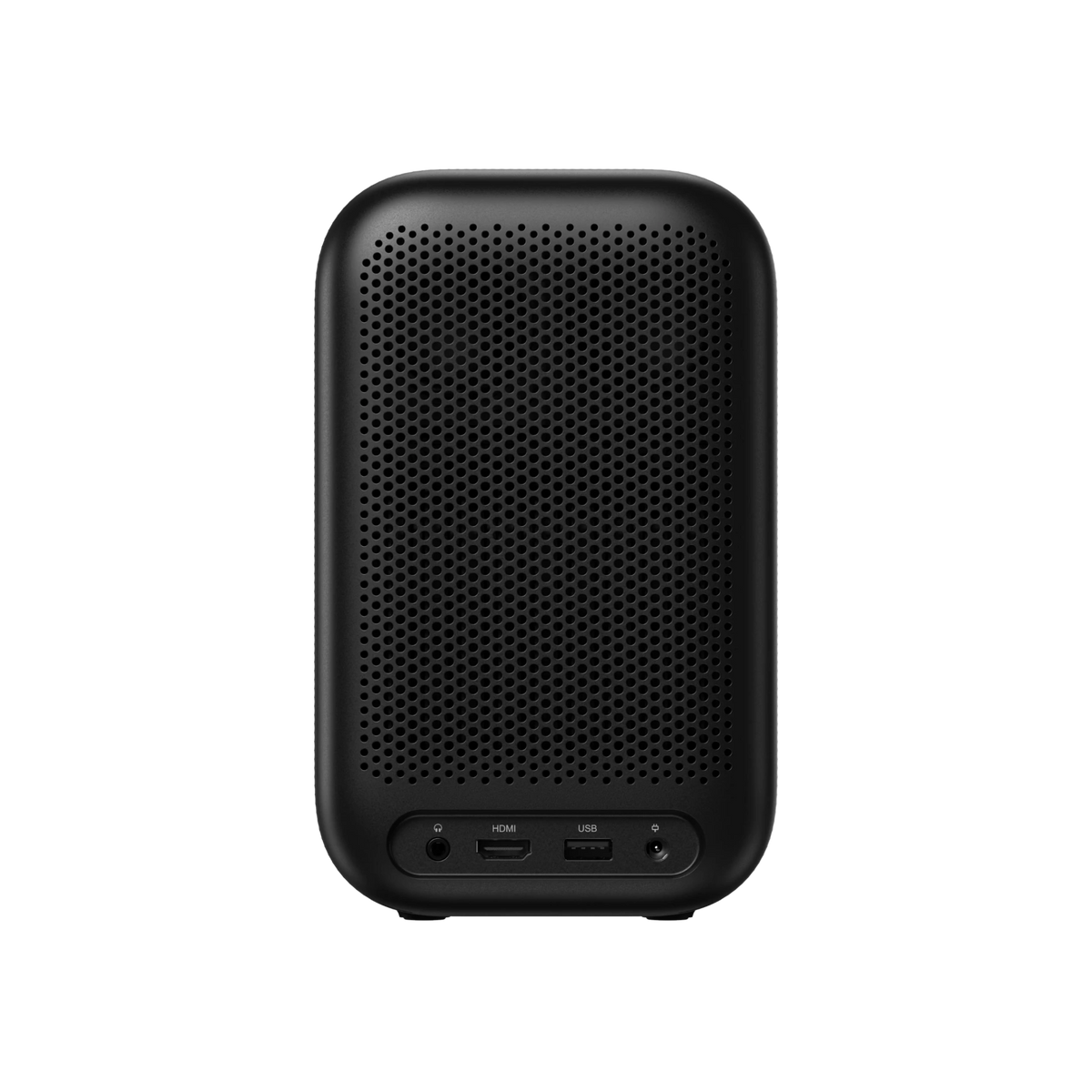
- HDMI, USB & Aux Compatible
- 4.6 Pounds
Available now
Add a stand for free!
Free, fast shipping
Human support 7 days/week
1-year warranty included
30-day free & easy returns
Lumi Max Projector | IllumiFun
Storm Black
$399.00

MAX out your Magic
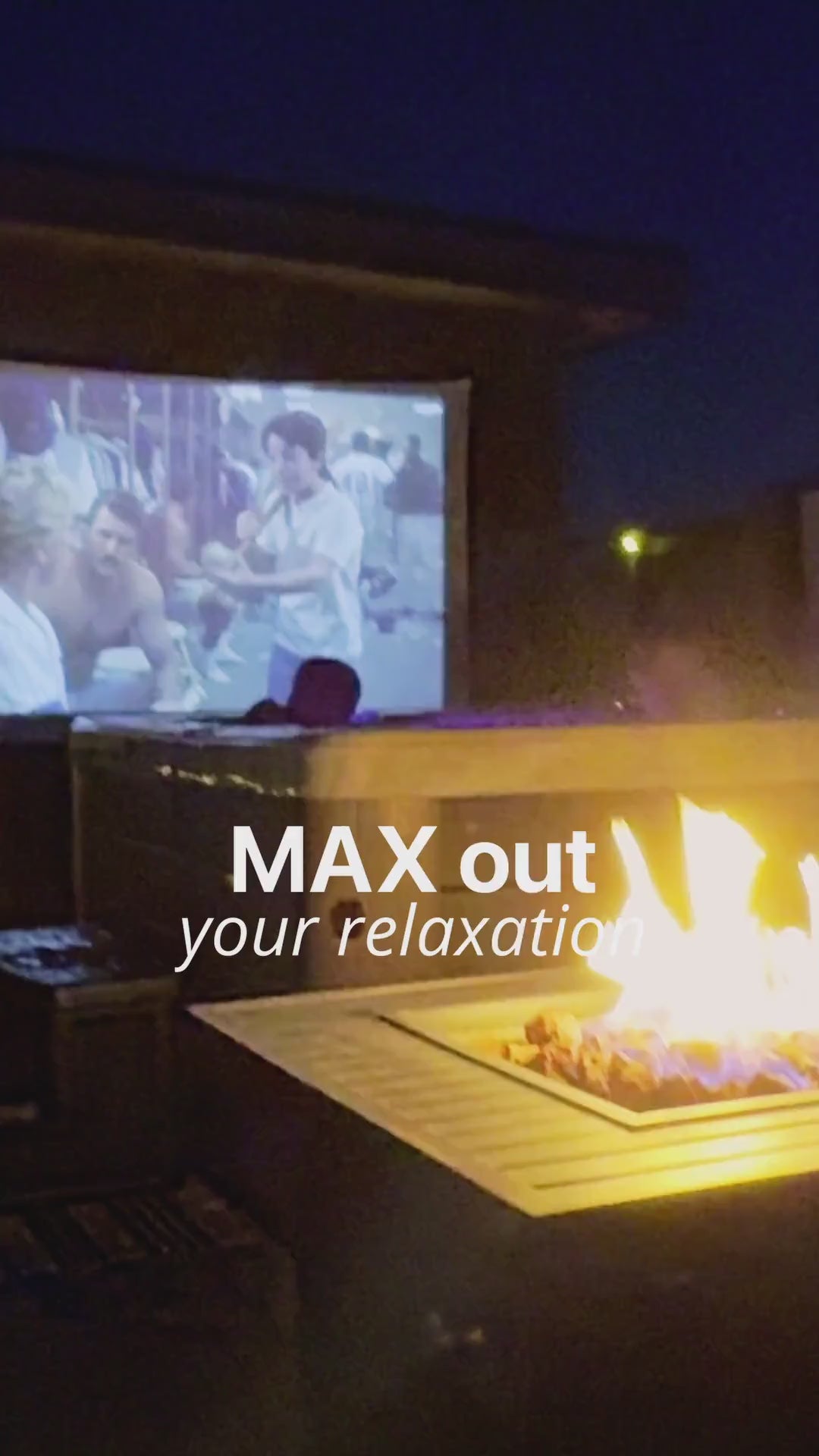
MAX out your Relaxation
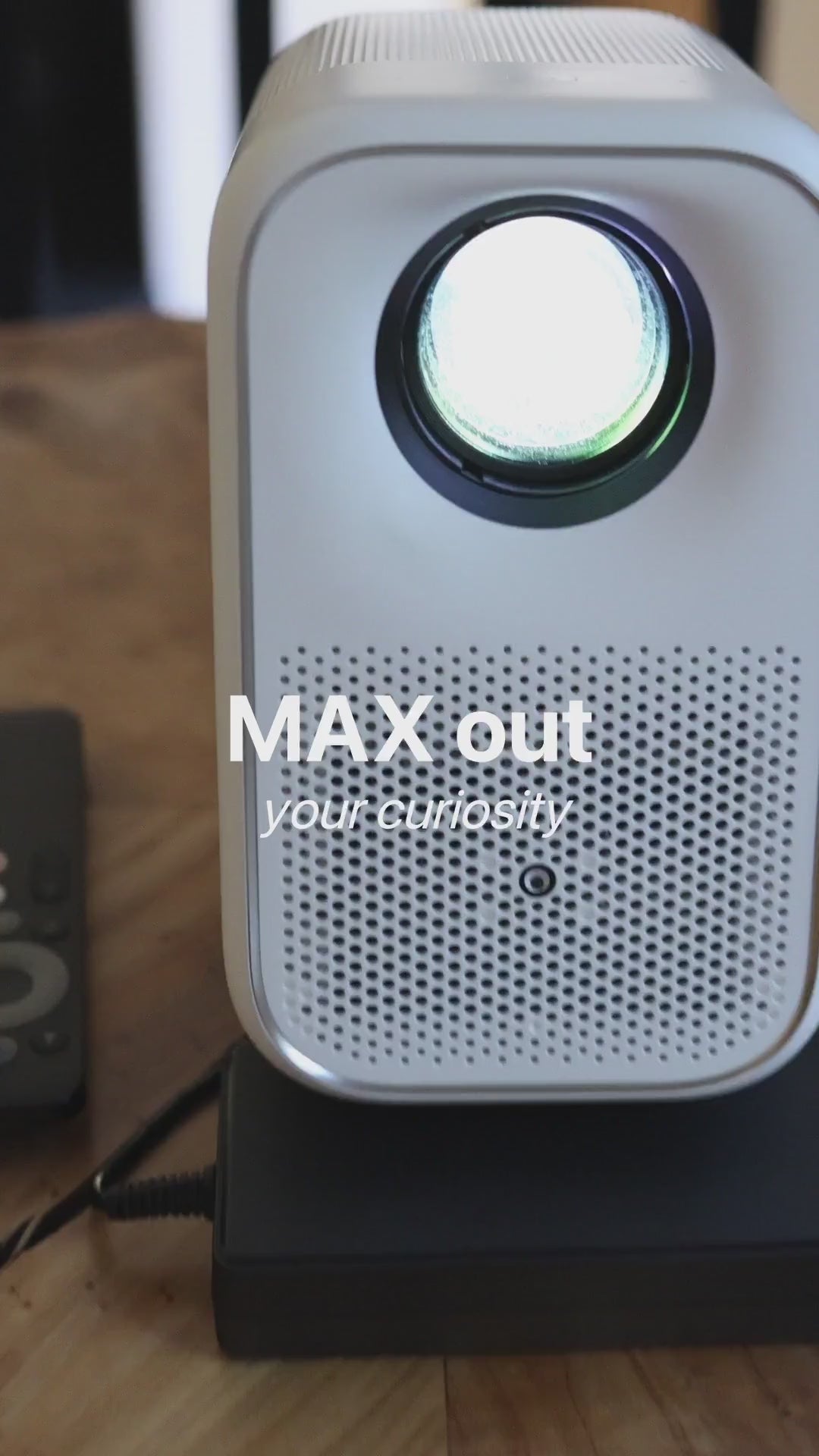
MAX out your Curiosity






If you have any questions, you are always welcome to contact us. We'll get back to you as soon as possible, within 24 hours on weekdays.
-
Shipping Information
Use this text to answer questions in as much detail as possible for your customers.
-
Customer Support
Use this text to answer questions in as much detail as possible for your customers.
-
FAQ’s
Use this text to answer questions in as much detail as possible for your customers.
-
Contact Us
Use this text to answer questions in as much detail as possible for your customers.
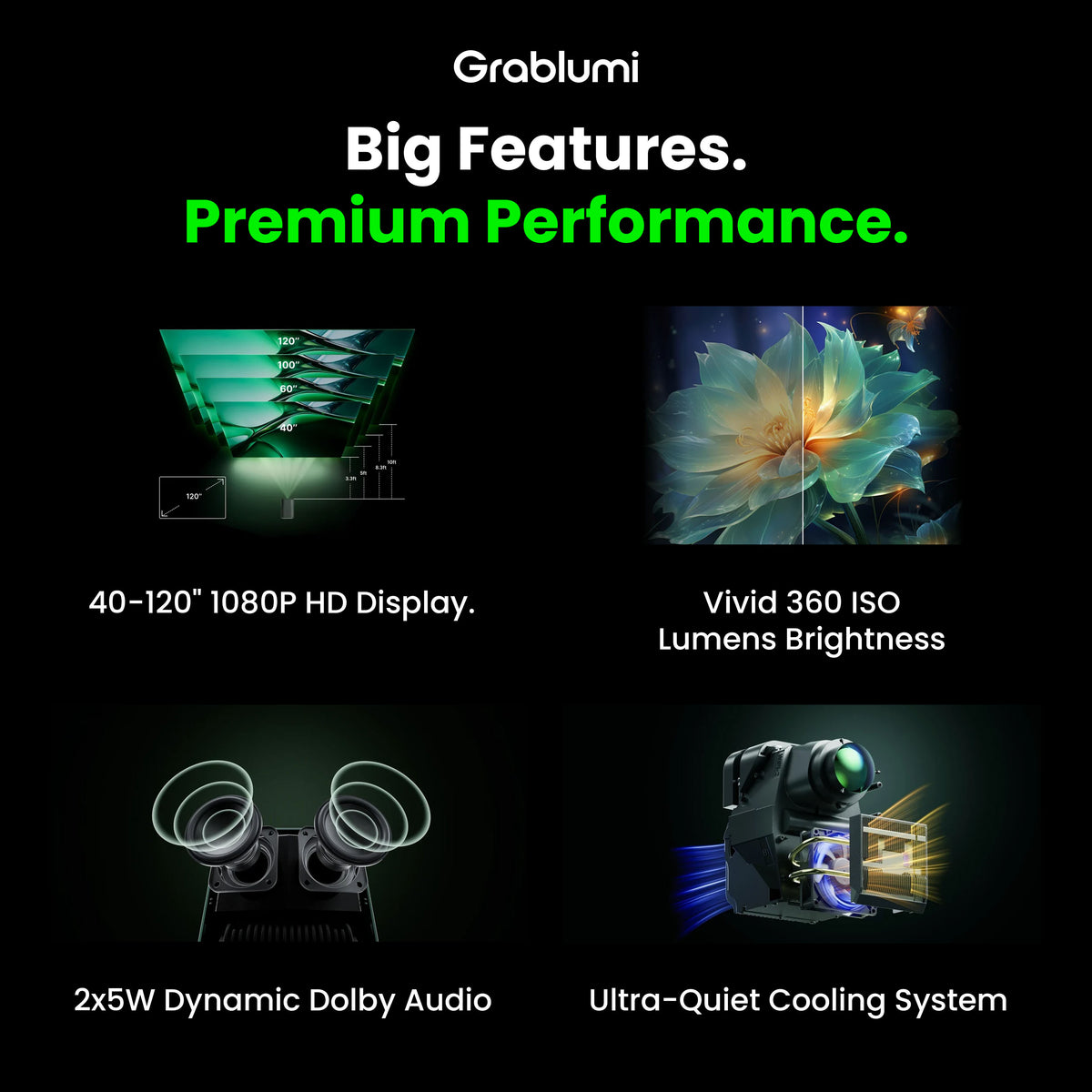
Big Features. Cool Performance.
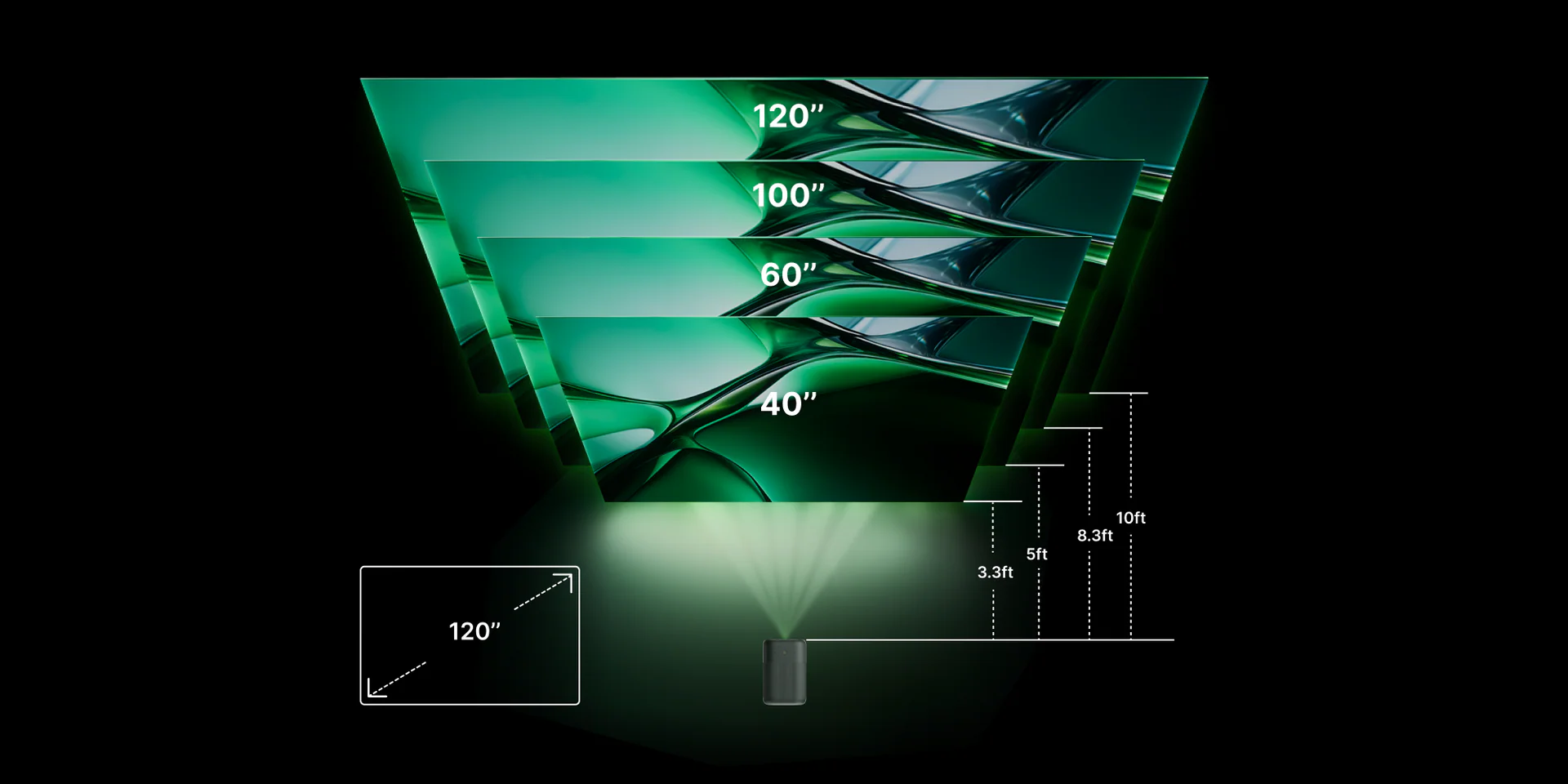
40-120" 1080P HD Display
Scale your screen from 40 to 120 inches while maintaining impeccable full HD resolution and 100% automatic keystone correction and focus adjustment.

Vivid 400 ANSI Brightness
400 ANSI lumens brightness, ultra-high 2000:1 contrast ratio, and HDR10 decoding support ensure a vivid display of colors with exquisite attention to detail.
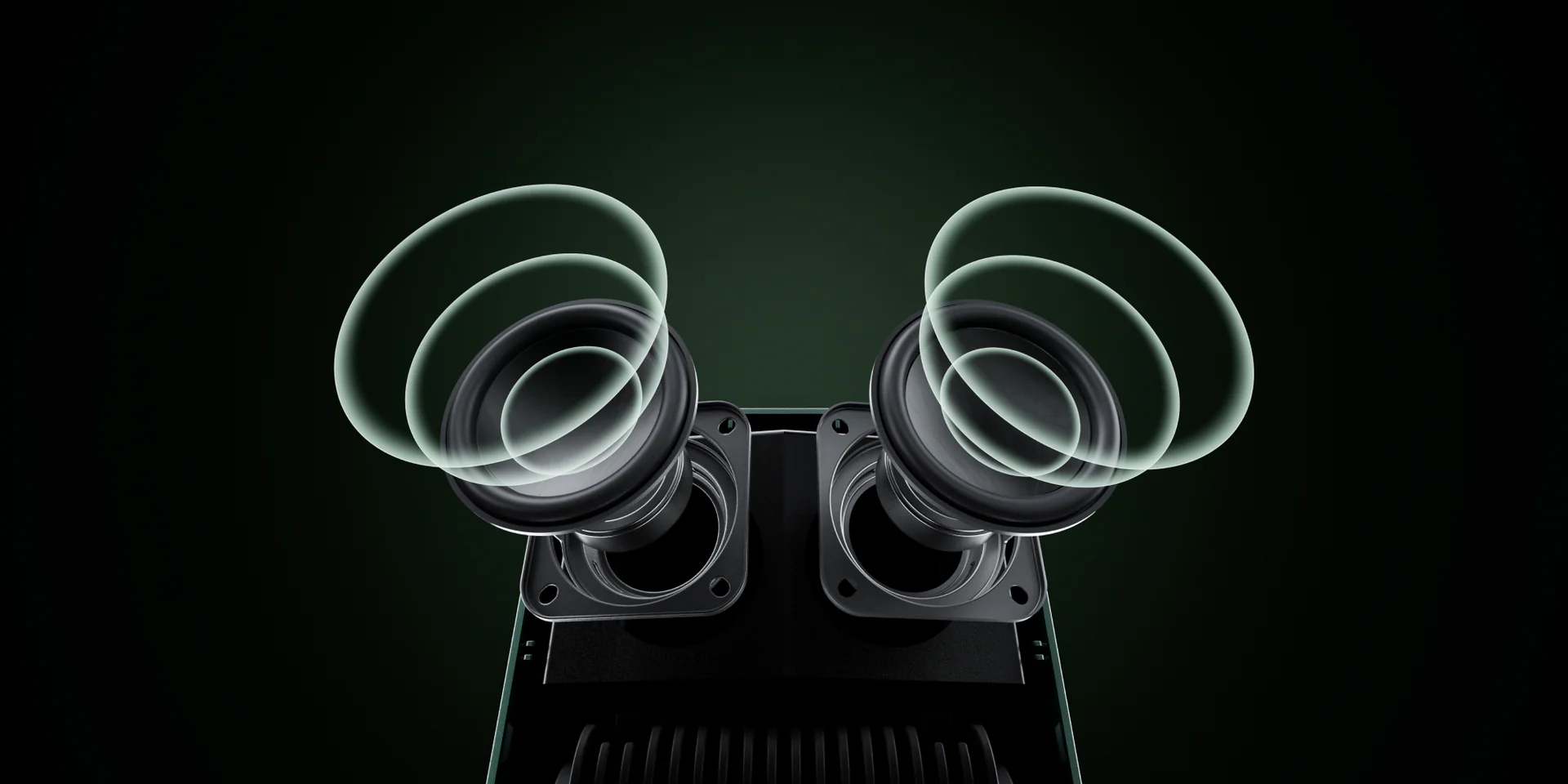
2x5W Dynamic Dolby Audio
2x5W (10W total) high-powered speakers, Dynamic Dolby Audio efficiency, deep bass, clear treble, and rich sound create the ultimate audiovisual experience.
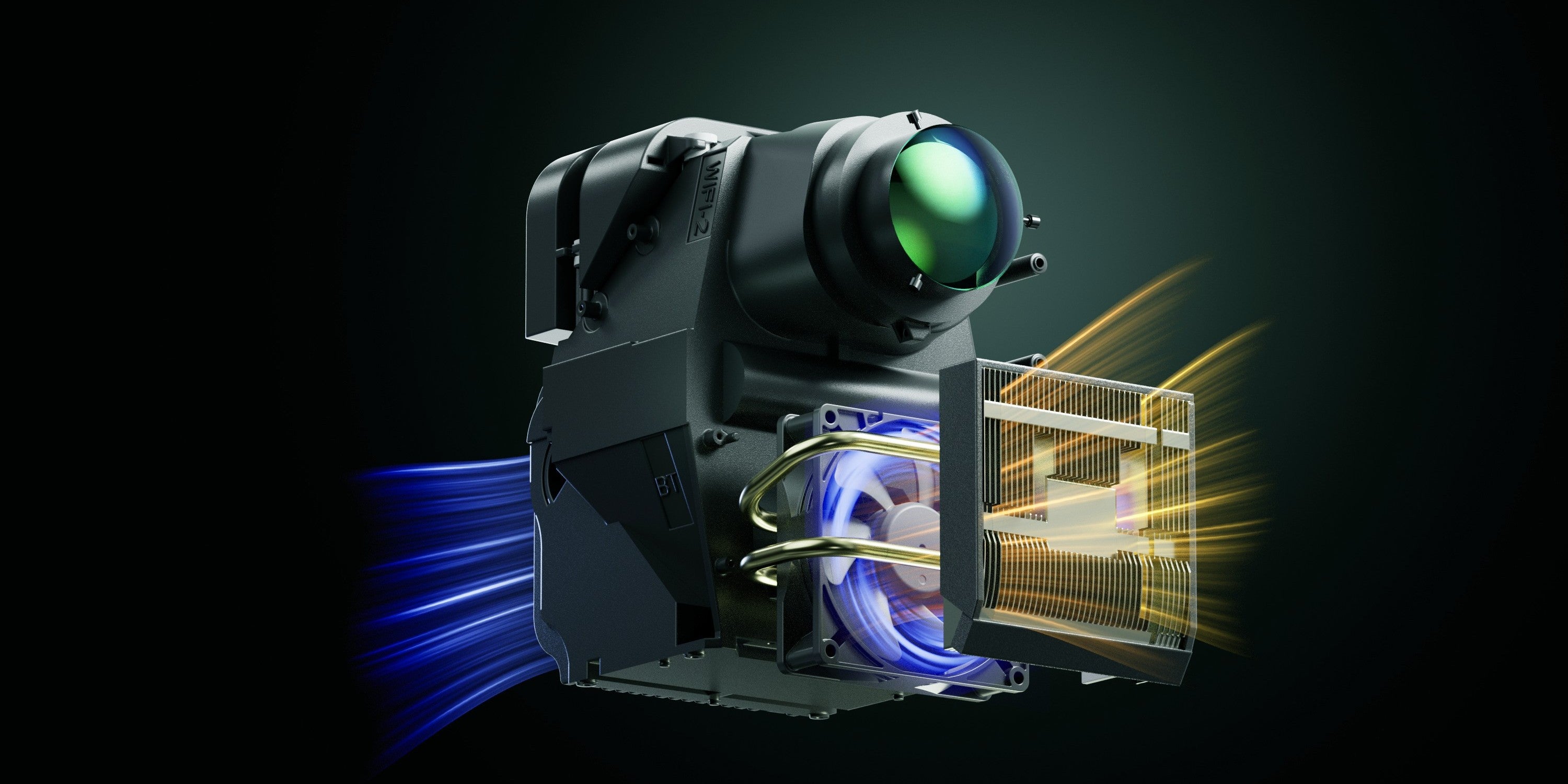
Ultra-Quiet Cooling System
Custom low-resistance airflow engineering delivers whisper-quiet cooling, longer component life, and consistent peak performance designed to last.
Picture Perfect, Every Time
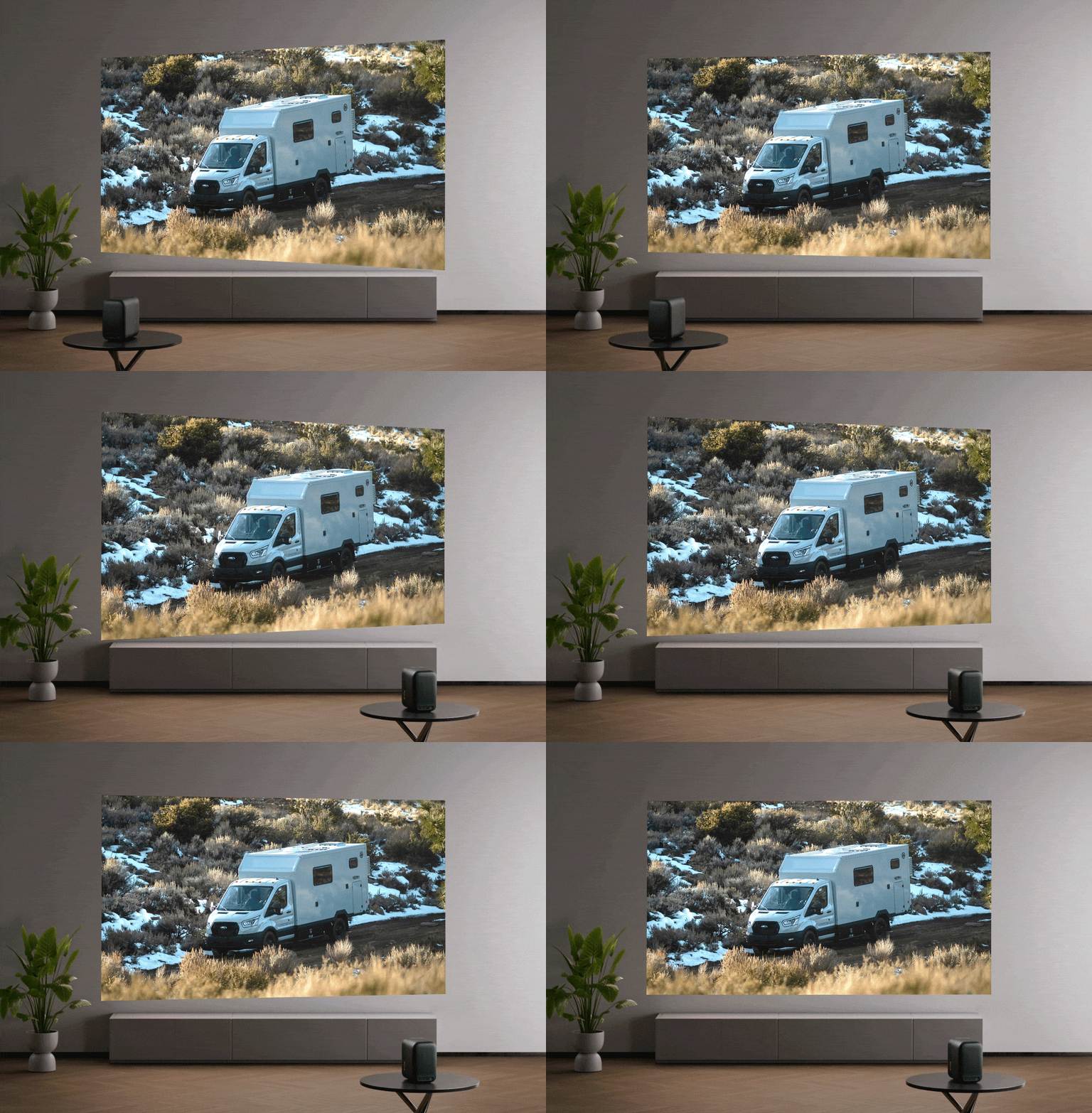
Automatic Keystone & Focus
Lumi Max instantly detects its angle and position upon movement, correcting for tilt, offset and depth to deliver a perfectly square image with fine-tuned clarity.
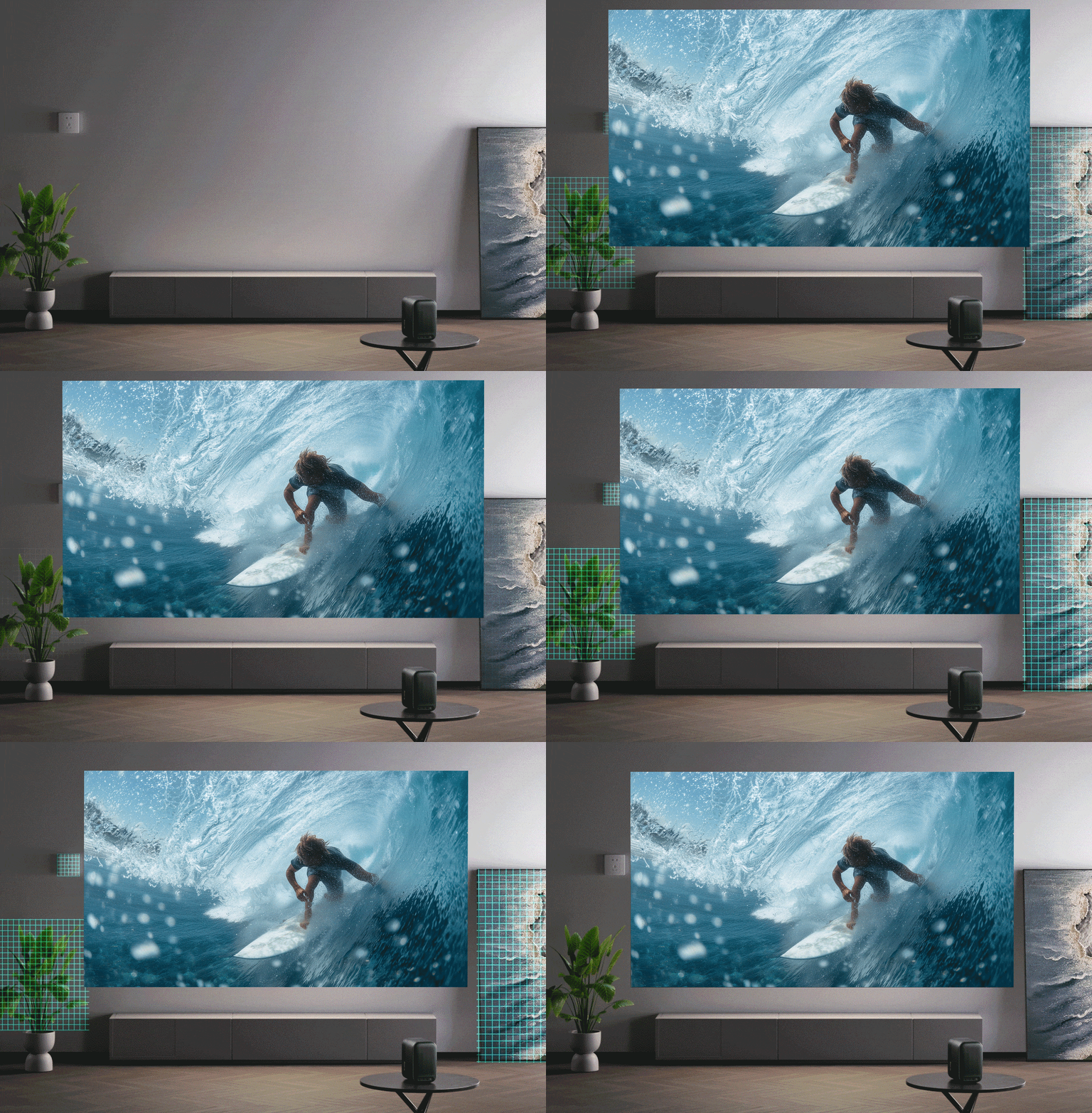
Intelligence Obstacle Avoidance
Lumi Max recognizes objects on your wall—like frames, plants, shelves, or décor—and intelligently adjusts the image placement to project around them in real-time.
Product Specifications
Product dimensions
8.17 x 7.5 x 5.02 inches
Product weight
4.56 lbs
Light source
LED
Brightness
400 ANSI Lumens
Resolution
1920 x 1080P Full HD (4K compatible)
Contrast ratio
2000:1
Throw ratio
1.25:1
Aspect ratio
16:9
Display size
40-120"
Focus
Automatic focus
Keystone correction
Omni-directional automatic correction
Automatic obstacle avoidance
Yes
Automatic screen alignment
Yes
Operating System
Android TV OS
Total power consumption
≤ 100W
Standby power consumption
< 0.5W
Power input
100-240V @ 50/60Hz
Speakers
5W x 2 (10W total)
Audio effects
Dolby Audio
Audio modes
Game / Cinema / Music / News / Sports / Standard / User Defined
Device interfaces
RAM
2GB
Storage
16GB
Mounting types
FAQs
Please read our FAQs page to find out more.
What is included in the box?
The package includes the Lumi Max projector, a power adapter, a remote control, a user manual, and stellar customer service by reaching out to hello@grablumi.com!
Can I get a copy of the User Manual?
Fell free to download a copy of the User Manual HERE.
How do I set up my new Lumi Max?
Let us show you how! HOW TO
Is there a warranty?
Lumi Max comes with a 1-year limited warranty.
Is it battery powered?
Lumi Max requires an external power source such as a nearby power outlet or a portable power bank with an AC outlet.
What is the native resolution of the Lumi Max?
Lumi Max offers native 1080P Full HD resolution, ensuring sharp and detailed images.
What is the brightness level of the projector?
Lumi Max provides 400 ANSI lumens brightness, making it 170% brighter than other projectors in its class.
What is the contrast ratio?
Lumi Max boasts a 2000:1 contrast ratio, delivering deep blacks and bright whites for a vivid viewing experience.
What is the screen size range?
Lumi Max can project images ranging from 40 to 120 inches diagonally while maintaining full HD resolution and automatic keystone & focus functionality.
Can Lumi Max be set up for rear projection and/or mounted to the ceiling?
Yes! Navigate to settings to flip your screen to rear projection and/or ceiling mounted.
The standard 1/4" stand port will be compatible with most ceiling mounts.
Pro Tip! Our 100" Projection Screen is the perfect companion for this!
Does it support Netflix?
Yes, Lumi Max is certified for Netflix.
Does it support YouTube TV?
Yes, Lumi Max supports YouTube TV.
What audio features does it have?
Lumi Max features Dynamic Dolby Audio with dual 5W speakers, providing an immersive sound experience.
What are the connectivity options?
Lumi Max offers HDMI 2.1 (ARC), USB 2.0, 3.5mm audio out, dual-band Wi-Fi (2.4GHz/5GHz), and Bluetooth 5.0
What is the throw ratio?
Lumi Max has a throw ratio of 1.25:1, meaning the image size increases as the distance from the screen increases.
Does it have auto keystone correction and auto-focus?
Yes! Lumi Max features omni-directional automatic correction keystone and auto-focus for easy setup and optimal image alignment.
Is it possible to manually adjust focus and keystone?
Yes! Lumi Max may be manually adjusted for keystone correction and focus via the settings menu.
Is the light engine dustproof?
Yes, Lumi Max has a fully enclosed light engine with an IP5X dustproof rating, ensuring longevity and consistent image quality.
How can I adjust the image size?
Lumi Max does not feature a zoom function. Instead, the image size is determined by the distance between the projector and the screen. With a throw ratio of 1.25:1, you can project a 100-inch image from approximately 2.65 meters away. For instance, at just 1 meter from the screen, you can achieve a base image of 78 cm, and at 1.5 meters, the base image expands to 1.22 meters.
Does it come with a stand?
Lumi Max does include the compatible adjustable stand with purchase.
How to use your phone as your remote
* We HIGHLY recommend that you do this while setting up your Lumi Max for the first time. Reason being, if you misplace your physical remote, you will always be able to use your phone!
FIRST TIME SETUP:
- Connect your Lumi Max and Phone via Bluetooth
- Settings > Bluetooth > Pair Accessory > On your Phone find & select the GoogleTV device offering under “Other Devices”
- Select PAIR on both your phone & Lumi Max
- On your phone check to see if you are connected under Bluetooth
- On your phone, download & open the Google Home App
- Allow HOME to connect to Bluetooth & Networks
- Get Started > Follow the setup instructions on your phone screen
- You will not need to try to set up a device as you are connected via Bluetooth (Phone > Lumi) so you can go BACK out of the=at process
- Select DEVICES (menu bottom of the screen)
- Under Local Devices - find & select “GoogleTV####”
- click REMOTE and continue to use your phone screen as your remote
ONGOING USE:
- Switch on your Lumi Max
- On you phone, open the GOOGLE HOME app
- Select DEVICES
- Under Local Devices, select GoogleTV####
- Select REMOTE
What is the maximum throw distance for Lumi Max?
~10 feet
Different ways of accessing your Lumi Max when your remote has failed or is misplaced
- If you have already set up your phone as your remote, then this is easy!
- Switch on your Lumi Max
- On your phone, open your BLUETOOTH settings and select GoogleTV#### to connect
- On you phone, open the GOOGLE HOME app
- Select DEVICES
- Under Local Devices, select GoogleTV####
- Select REMOTE
2. If you do not have your Lumi Max already set up with your phone as a remote, try a quick fix of factory re-setting the Lumi remote.
- remove the batteries from the remote
- hold down the HOME button while re-inserting the batteries. If this is successful, the remote LED will Flash
- you may now re-pair your remote by holding down the HOME and BACK buttons simultaneously until your projector beeps. Your remote should now be paired with your projector.
3. If this remote reset is unsuccessful, find yourself a USB wired keyboard and plug it into the back of your Lumi Max
- use the arrow keys to navigate around the screen & click on
- Settings > Settings
- Remotes and Accessories
- Generally the remote that has once been paired is titled Bluetooth RC - click on this then navigate to FORGET > YES
- You will be directed onscreen to pair the remote. When successfully paired you will hear a beep from the projector.
4. If neither of these are successful, you will need to factory reset your Lumi Max and start fresh:
- Settings
- System
- About
- Reset
- Factory Reset
- Erase Everything
- Follow the on-screen instructions for pairing the remote & setting up your projector again
How do I view files on a USB device?
Here’s the easiest way to do it:
1️⃣ Plug the USB drive in
• Insert your USB flash drive into the USB port on the projector.
• Turn the projector on.
The projector supports USB devices so you can access photos, music, and videos stored on the drive.
2️⃣ Open the USB files
Using the remote:
1. Go to the Home screen.
2. Open File Manager (sometimes called Media or USB storage).
3. Select your USB drive.
4. Choose the video, photo, or file you want to play.
3️⃣ Make sure the files are supported
If nothing shows up, it’s usually because of the file format. Try common formats like:
• Videos: MP4, MKV, AVI
• Photos: JPG, PNG
• Audio: MP3
Also make sure:
• The USB is formatted FAT32 or exFAT (most flash drives already are).
4️⃣ Alternative ways to show things
Your projector also has Android TV built in, so you can:
• Install apps like VLC or MX Player from the Play Store to browse USB files.
• Cast or mirror your phone/laptop over Wi-Fi.
✅ Quick tip: If your USB drive is plugged in but nothing shows, installing VLC from the Play Store usually makes it much easier to browse the drive.
I have content to share, where do I go for this?
Please click this link & we’ll take you there! We love content and are so happy you want to share! https://upload.entribe.com/lumi
Customer Reviews
Overall rating: 4.9 / 5 from 295 reviews.
Thanks to an awesome team I'm back to using my projector!
Thank you for promptly shipping this item. We appreciate you guys
Customer service is top notch. Love the Lumi
Lumi Max Projector | Google TV
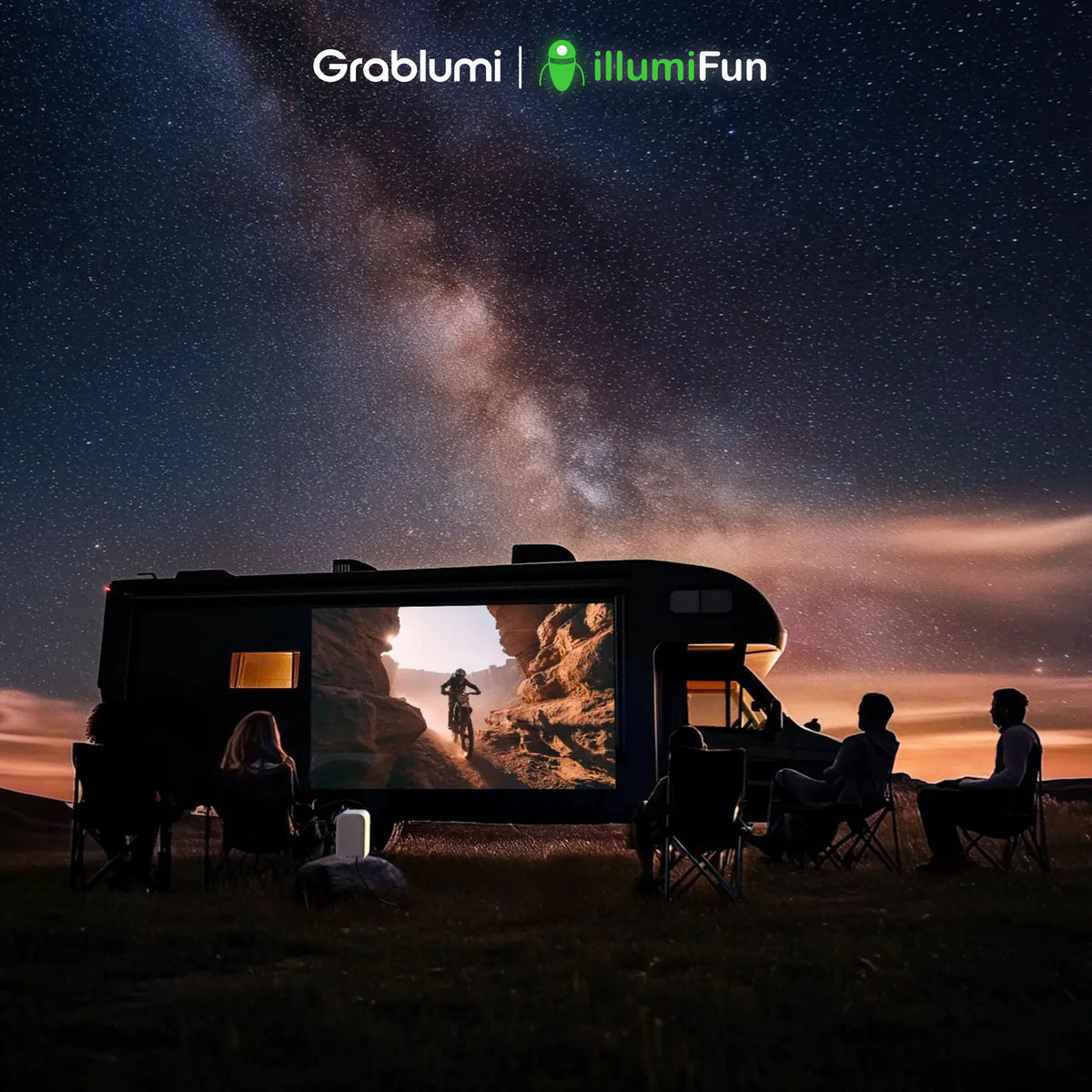
Fantastic projector we LOVE! Absolutely the best and makes RVing even better watching a movie under the stars.
Lumi Max Projector | Google TV
This projector is a huge upgrade to my backyard and my van camping trips!!
Works as it should
Wonderful product. Great for back yard gatherings.
They went way beyond expectations definitely recommend
This is an amazing item!!! I live it!!
We had lost the remote control and grateful to be able to order a replacement and receive it so quickly. My daughter is excited to take her Lumi to college!
Love the entire Lumi system! Our Lumi Max projector, screen and stand is the perfect combo and makes our campsite the place for friends and family to gather!
I love this product!!!
Arrived and looks great- looking forward to movie night!
Would be nice if it could have a quick disconnect
Love it
Out of the box set up went super smooth as ordered! Was working almost immediately. Love the auto focus and keystone! Brilliant. Very happy
Incredible device! Game changer for so many social settings when you’d love to watch something with friends
Fantastic picture and great sound quality! Looking forward to outdoor movie nights!
Love my new Lumi projector. I saw this at the Tampa RV show after returning 2 different projectors to Amazon because we could not get them to connect and work as we needed. Eric showed us how simple The Lumi is to set up and when I received this it was just as he demonstrated. Clear picture, auto focus and auto keystone makes this the go to projector. I’ll add photo and video at our next camping trip.
The stand in general is good. Would like to see the adjustments more easily adjustable, IE instead of using a screwdriver maybe something you could adjust with fingers. Also the project case cannot hold the stand with the projector in it which is not very convenient when traveling.
The projector exceeded my expectations. Simple set up and picture/sound quality is very impressive. Cannot wait to try it at the campsite!
Great customer service. Replaced a broken tripod quickly!
I purchased the projector at a RV show. The demonstration was in a 3-sided black tent, I assumed to create a darker viewing environment, so I expected to use it outside after sunset. At this price point, I was not expecting to view in broad daylight. I took it home, set it up, and had problems with keystone and focus. I contacted customer service via email and they were very prompt and helpful. They mailed a new projector immediately. I received the replacement projector and it works flawlessly. The auto-keystone and focus features work as advertised and the picture is as good as my 1080p TV. This is January, so I’m excited to use it on the outside of my fifth wheel camper when camping season arrives in March!
Would nicer if heavier with twist knobs vs screws.
I am a cinephile and I love it. I would rate it 10 out of 10.
I love my Lumi Max Projector. It is awesome, the picture is crystal clear, and the volume is amazing. I love how I'm able to view all of my pay-per-view services without connection to a television or another device. I'm also proud of be an investor. This is a great product and it is making waves in the direct-to-consumer tech industry.

Lumi is the best projector on the market by far!
Christmas gift do unable to rate
The Lumi Max has been fantastic, user friendly seamless to connect. HD quality projector.
A gift so can’t comment on it, but I can say customer service is A-1
Great addition to the Lumi Max, easy adjustment.

Sitting on my deck earlier this season and watching Monday night football through my Lumi Max which I received as a gift about 4 months ago. The picture is fabulous and the Lumi Max is way more than I expected, but it’s much better to go to their site and read about all it entails. It’s so convenient and easy to set up Maybe even easier to set up (if you can put a plug in a socket, I assure you it won’t seem any tougher) just by connecting a couple cables. And it’ll be ready in minutes. Also, customer service is SUPERB, simply OUTSTANDING and there are very few businesses I could say that about these days. I purchased 6 of the Lumi Max units for my family members for Christmas. There was not even a LITTLE hesitation to get them! I’m sure they will all appreciate that fact, but more importantly find out for themselves exactly why!!! Thank you Betsy Crandall for all your help.
Love it
Awesome projector! Set up is super easy and the picture quality is impressive for the price!

Awesome. Easy to set up. Great quality picture
The family loves the Lumi we take it camping, we had movie night at the daughter's house by the bonfire and we take it tailgating. You can use it for anything that's what makes it so great.
The projector is amazing. Perfect in every way and our friends were all impressed when we hosted everyone for a Vikings game recently. But by far the best part of my experience with Lumi Labs and the Lumi Max projector was the phenomenal and kind service provided by Betsy.
Haven’t heard used for videos yet, but stand was easy to attach and is very adjustable. Looking forward to using next RV TRIP.
Happy with my projector. Eric has been super and helpful with our transaction. He took his time to inform us about when our product was going to be shipped. He was great!